Introduction
FLUX.1 Kontext [max] Edit restyles or changes one photo from a written instruction using Black Forest Labs' premium Kontext model, released on 29 May 2025. It is the tier to reach for when an edit touches the whole frame, such as a new era, a new time of day or a new season, and you still need the people and the lettering to come through intact.
Choose a mode by starting material
| What you have | Mode |
|---|---|
| one finished photo to restyle or change | FLUX.1 Kontext [max] Edit |
| a written scene with no picture yet | FLUX.1 Kontext [max] Text to image |
Key features & highlights
Whole-frame restyles that keep the cast
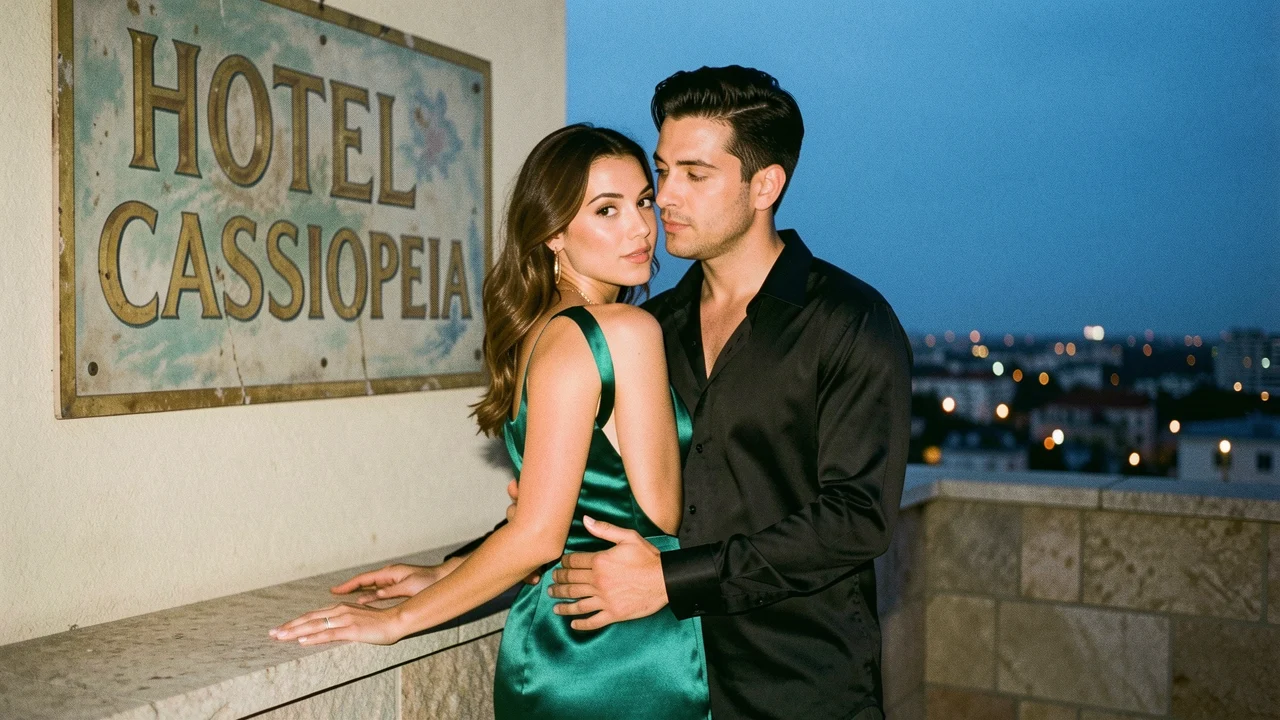
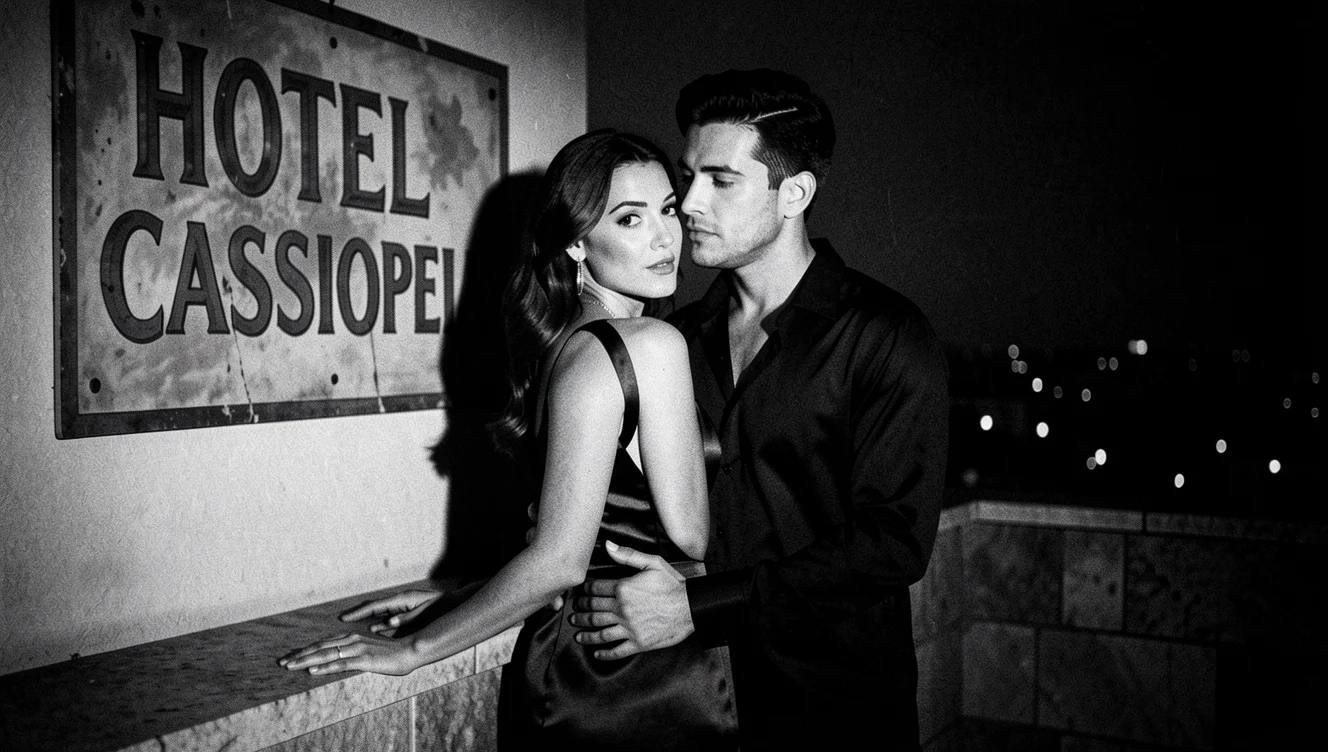
Our rooftop couple became a 1950s black-and-white noir still with hard key light. Both faces, the embrace and the gown's silhouette carried over; the wall sign stayed readable, slightly cropped by the new framing.
Time and season swaps
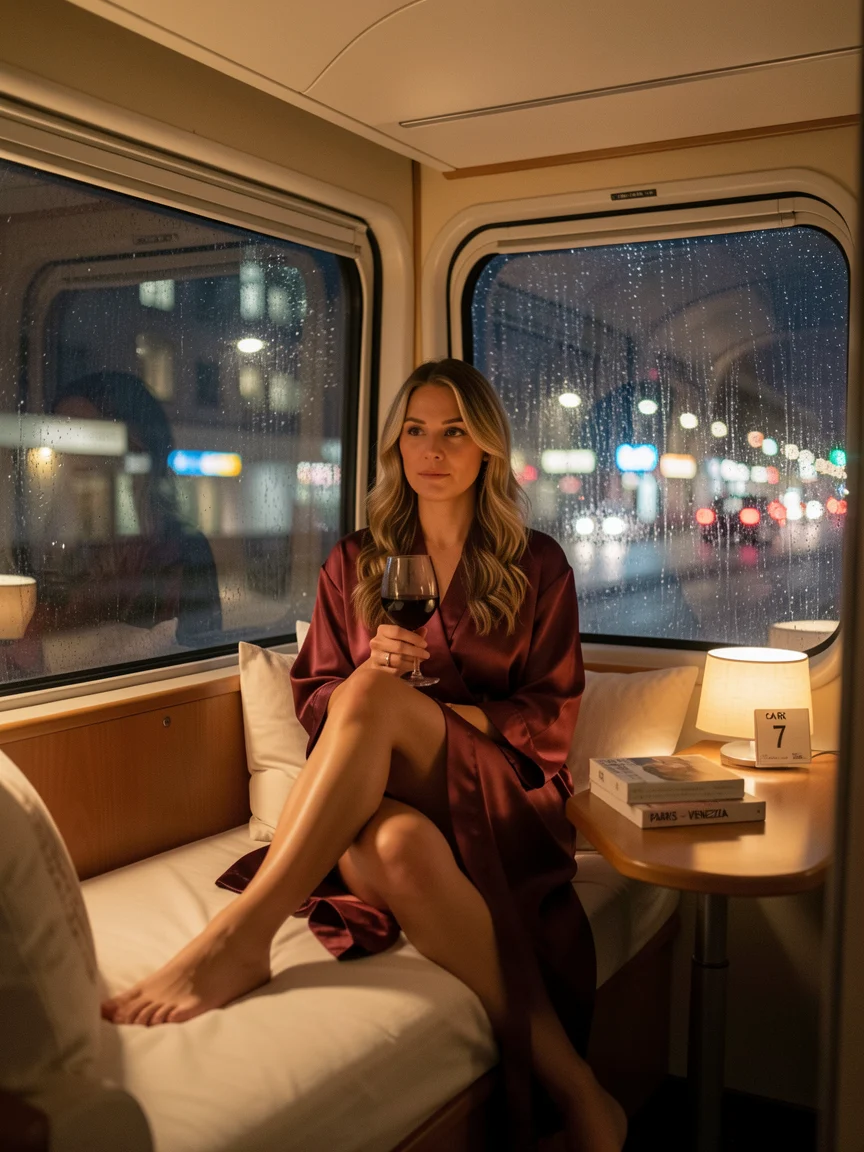
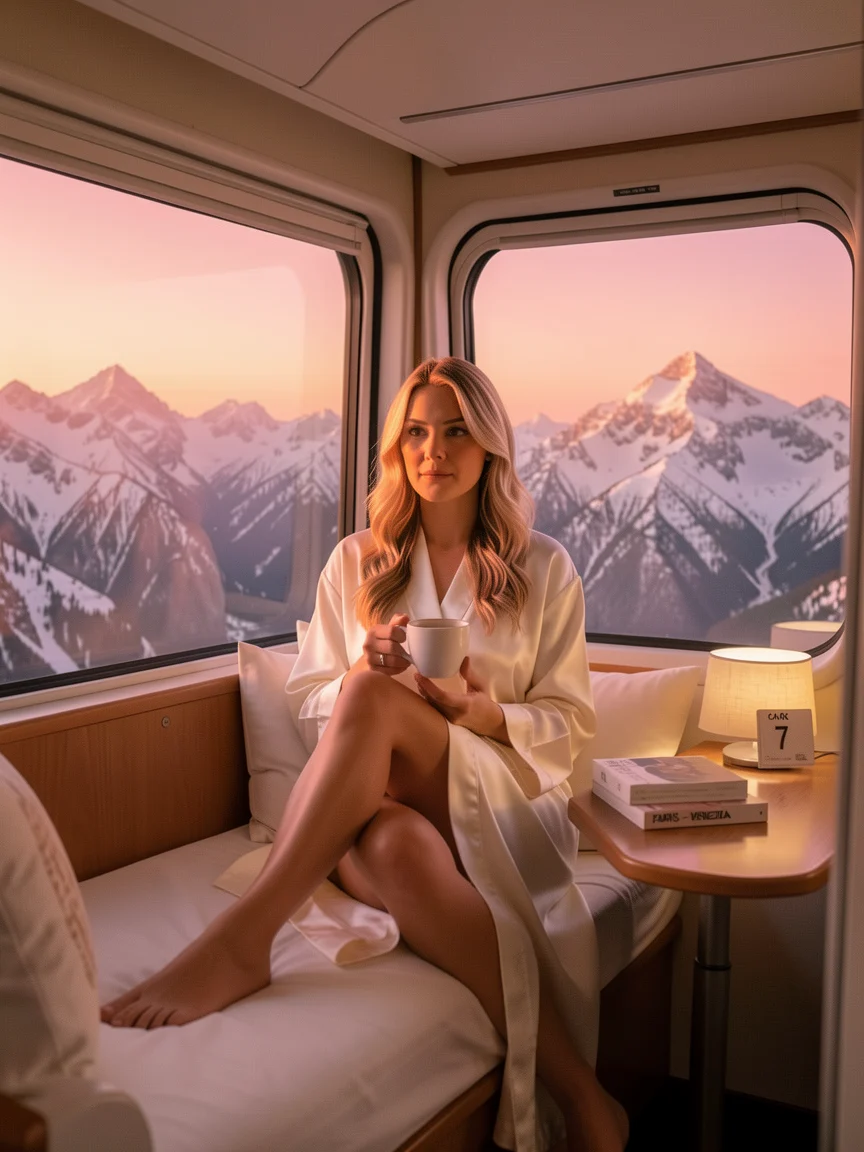
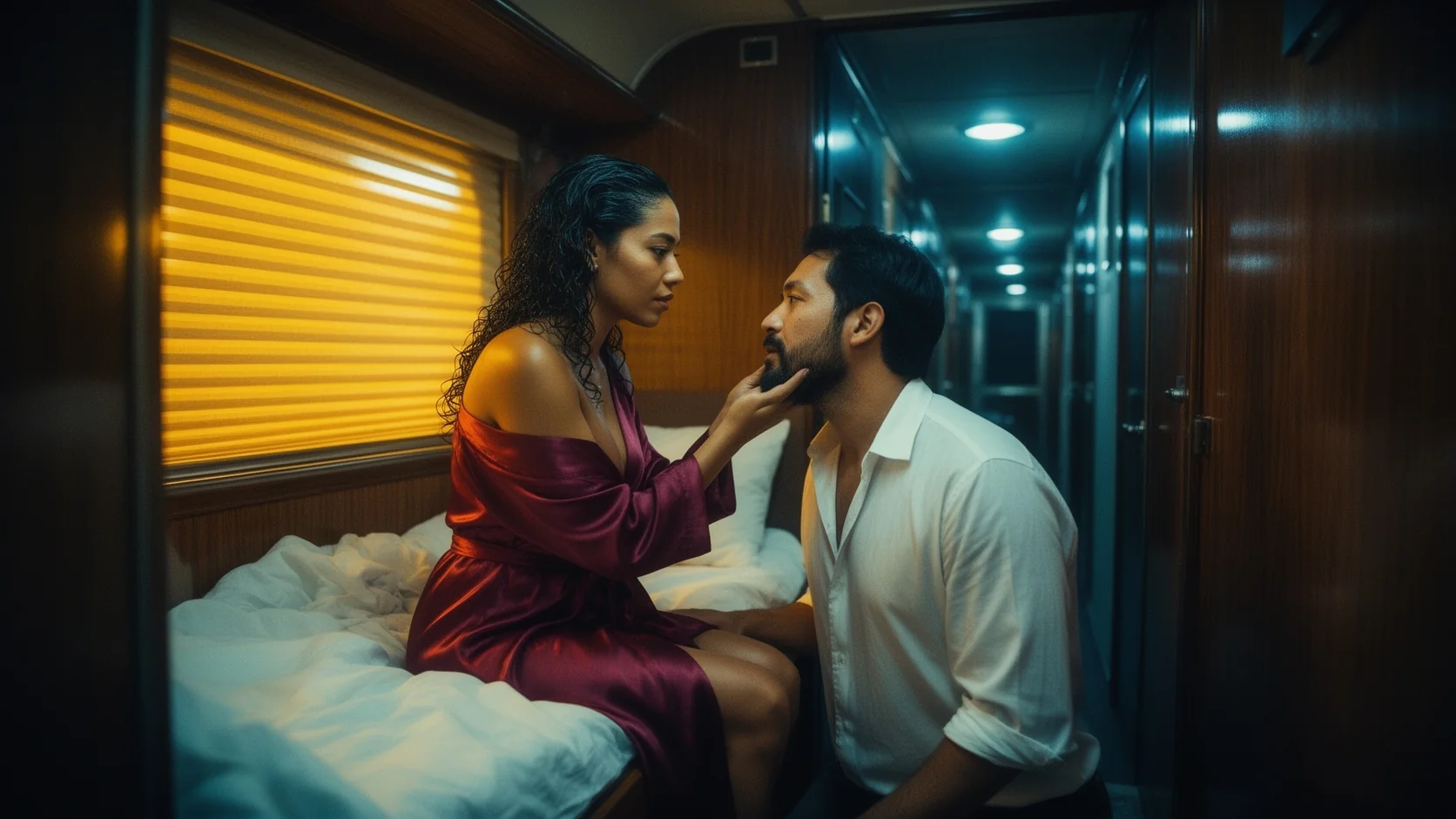
The night-train cabin turned into a sunrise over snowy mountains, the red robe became ivory silk and the wine glass became a coffee cup, while the woman's face and folded-leg pose stayed.
Several changes in one instruction
Kontext [max] handled three changes at once in the cabin edit: light, garment and prop. Each was carried out without disturbing the rest.
Shape follows the source
On auto the result keeps the source framing; a 16:9 rooftop came back at 1328x752 and a 3:4 cabin at 864x1152.
Request parameters
| Parameter | Required | Description |
|---|---|---|
prompt | Yes | Required, up to 5,000 characters. State the new look or changes first, then the anchors: faces, pose, garment shapes and any lettering to keep. at least 1 characters · at most 5000 characters |
image_url | Yes | Required. The single photo Kontext [max] will edit: JPEG, PNG or WebP, up to 10 MB. at least 1 characters |
aspect_ratio | No | auto (default) follows the source photo. Pick 1:1, 16:9, 9:16, 4:3, 3:4 or 21:9 to reframe; the price stays the same. |
output_format | No | jpeg (default) or png; no price difference. |
enable_prompt_expansion | No | Off by default. On adds descriptive detail to the instruction before Kontext [max] edits; keep it off when the edit should do exactly what you wrote. Default: |
Pricing
$0.056 / image
Each Kontext [max] edit is billed per image at the same flat rate as text to image. Refused and failed requests are not charged.
Use cases
Period and genre looks
Film noir, 1970s colour film, glossy magazine: one photograph re-shot in another era for a campaign or a mood board.
Continuity across a day
Morning, golden hour and night versions of the same scene with the same people in it.
Wardrobe and prop changes on finished frames
Swap a robe, a glass, a bag or a hat on a picture you already like.
Recovering a near-miss
Fix the one thing that is off in an otherwise good frame instead of generating again.
Prompt guide & pro tips
Say the look, then the anchors
"Restyle as a 1950s black-and-white film noir still" and then "keep both faces, their pose and the sign exactly as they are".
Group related changes
Light, garment and prop can share one instruction when they describe one new moment, as in sunrise with an ivory robe and coffee.
Mention lettering you want kept
Name the sign or label by its words so the edit treats it as something to preserve.
Crop on purpose
Choose a ratio only when you want a new frame; otherwise auto avoids unexpected crops.
Review faces after a big restyle
Era and lighting changes are the hardest test for identity. Compare the result with the source side by side, and if a face drifts, repeat the restyle with the face named first in the list of things to keep.
API quick start
# Generate the idempotency key once; reuse it when retrying after a lost response.
export SPICY_IDEMPOTENCY_KEY="${SPICY_IDEMPOTENCY_KEY:-$(uuidgen)}"
curl -X POST https://api.spicyapi.ai/api/v1/jobs/createTask \
  -H "Authorization: Bearer $SPICY_API_KEY" \
  -H "Content-Type: application/json" \
  -H "Idempotency-Key: $SPICY_IDEMPOTENCY_KEY" \
  -d '{
  "model": "black-forest-labs/flux-1-kontext-max/edit",
  "input": {
    "aspect_ratio": "auto",
    "image_url": "https://example.com/reference.png",
    "output_format": "jpeg",
    "prompt": "A ceramic teapot on a linen cloth, soft window light, muted palette"
  }
}'

# Copy data.taskId from the response into TASK_ID, then poll the status.
TASK_ID="TASK_ID_FROM_RESPONSE"
curl "https://api.spicyapi.ai/api/v1/jobs/recordInfo?taskId=$TASK_ID" \
  -H "Authorization: Bearer $SPICY_API_KEY"
See the API reference for authentication, the complete schema, polling, and error handling.