Introduction
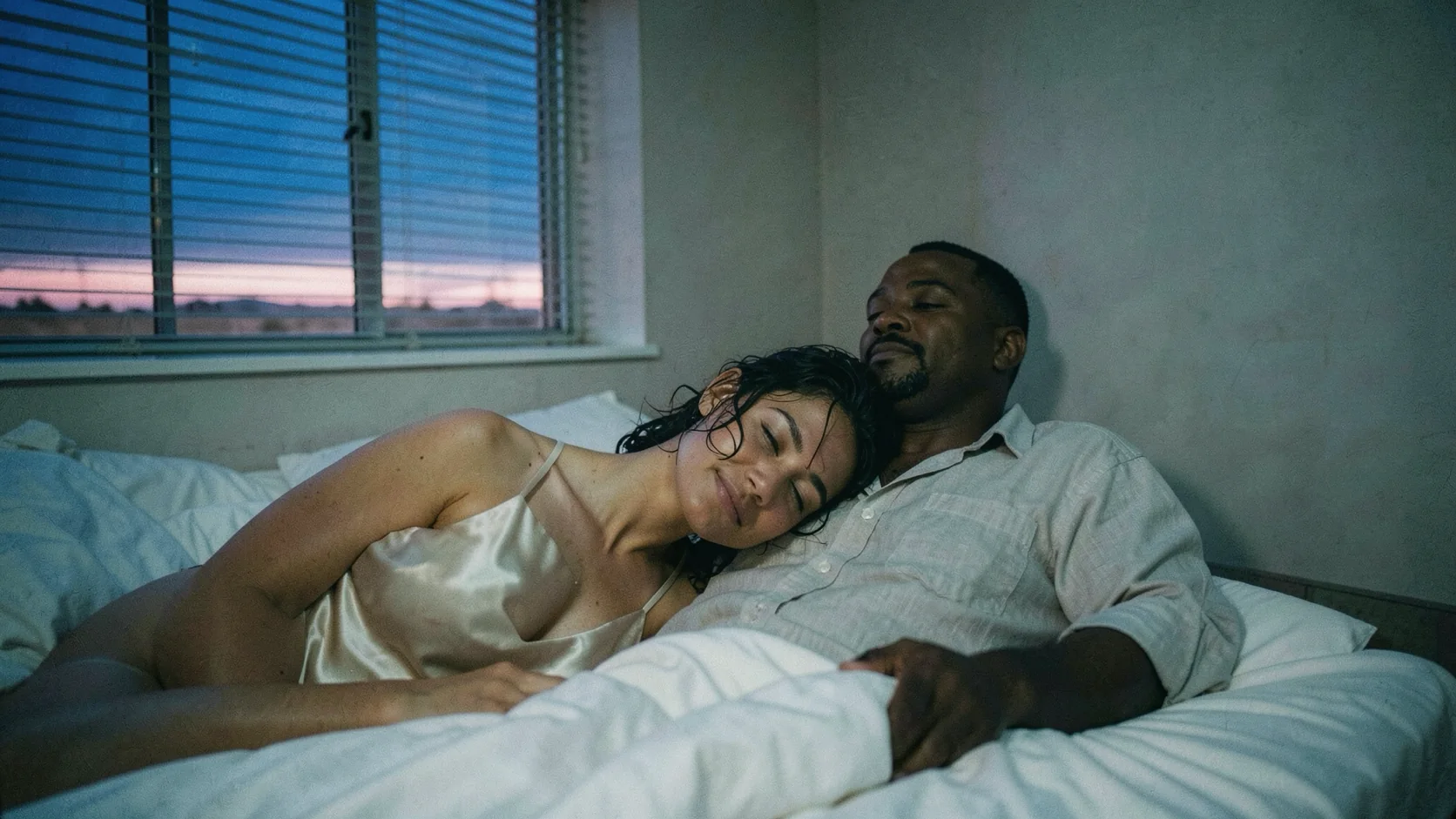
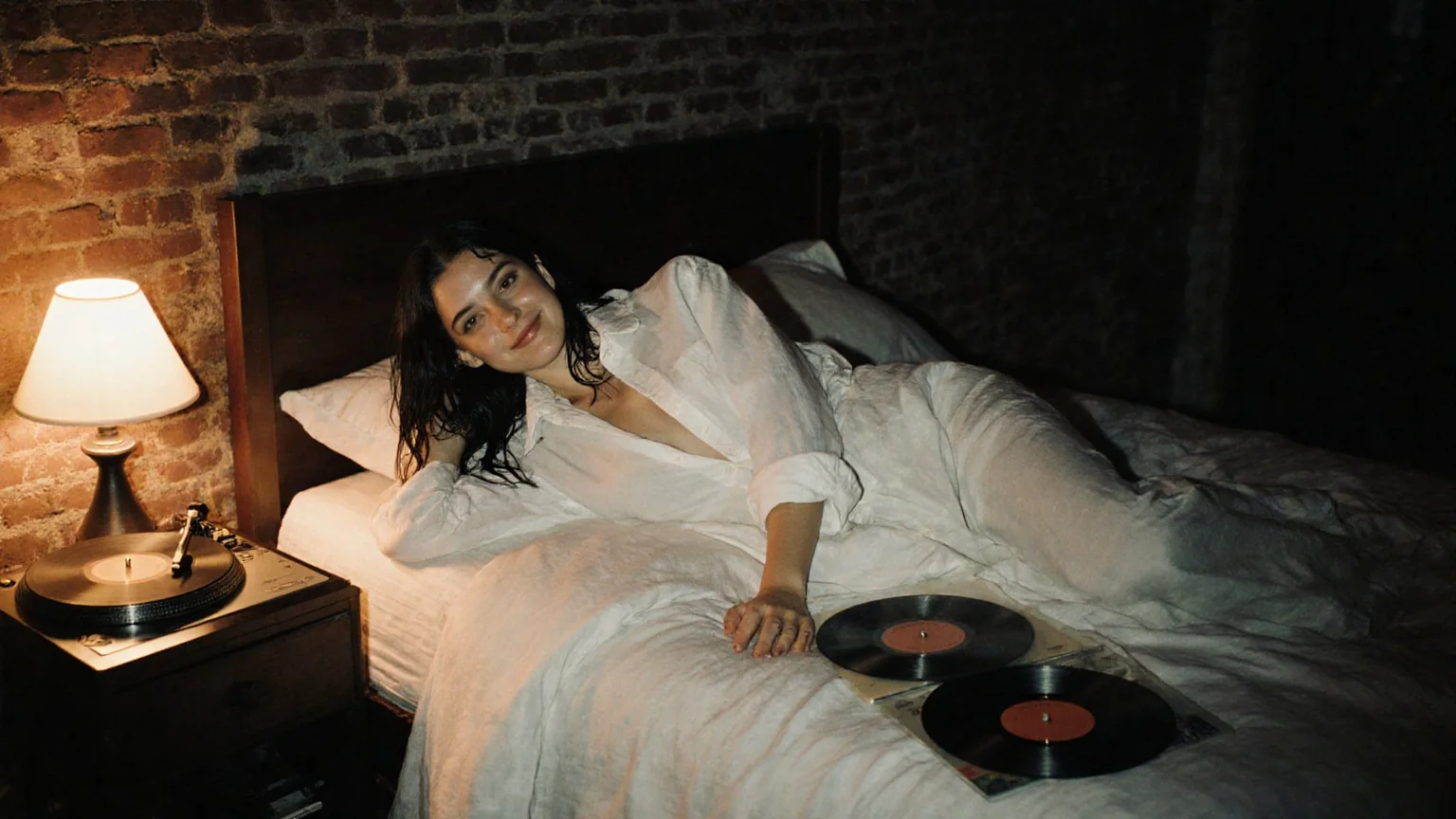
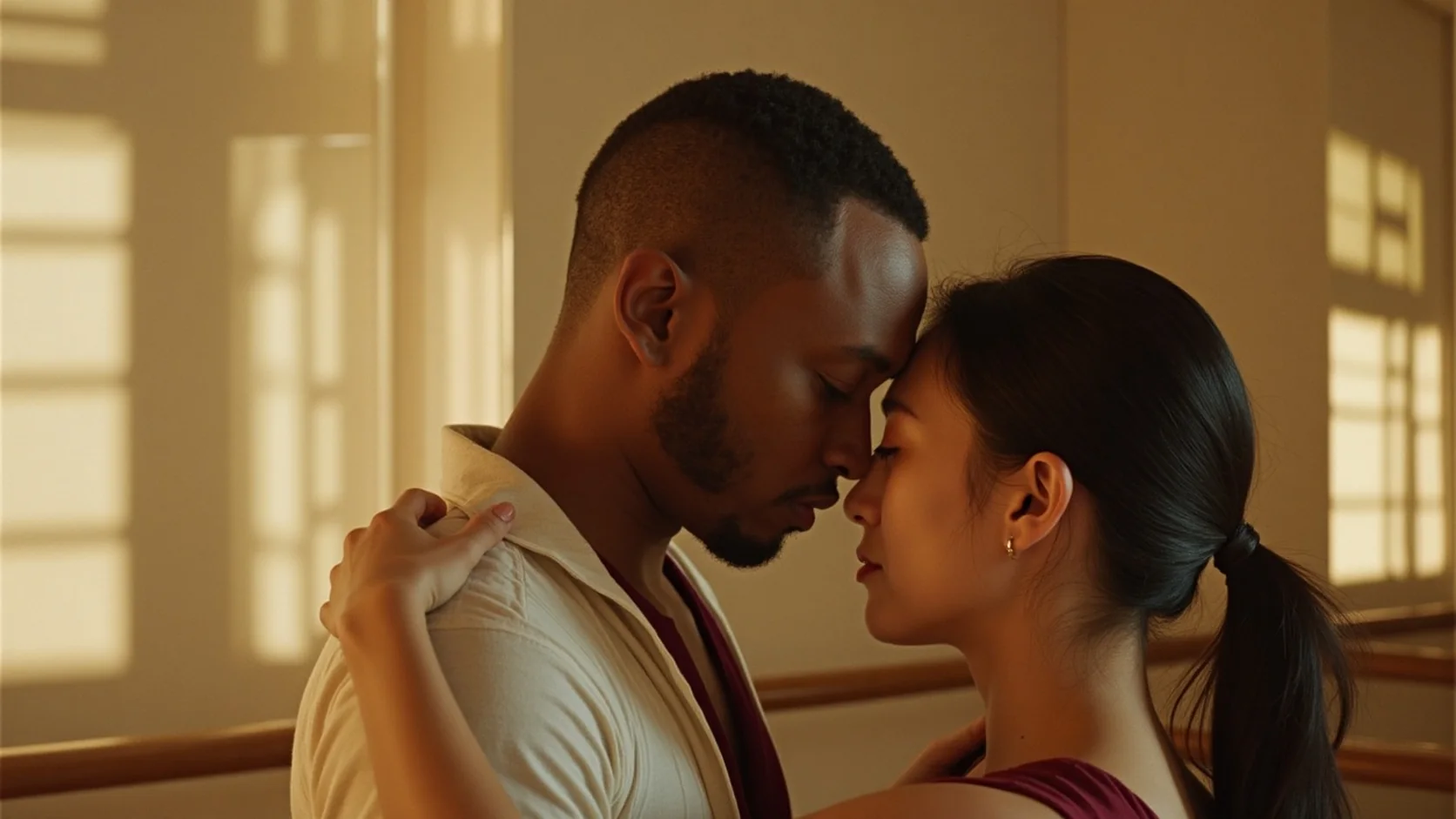
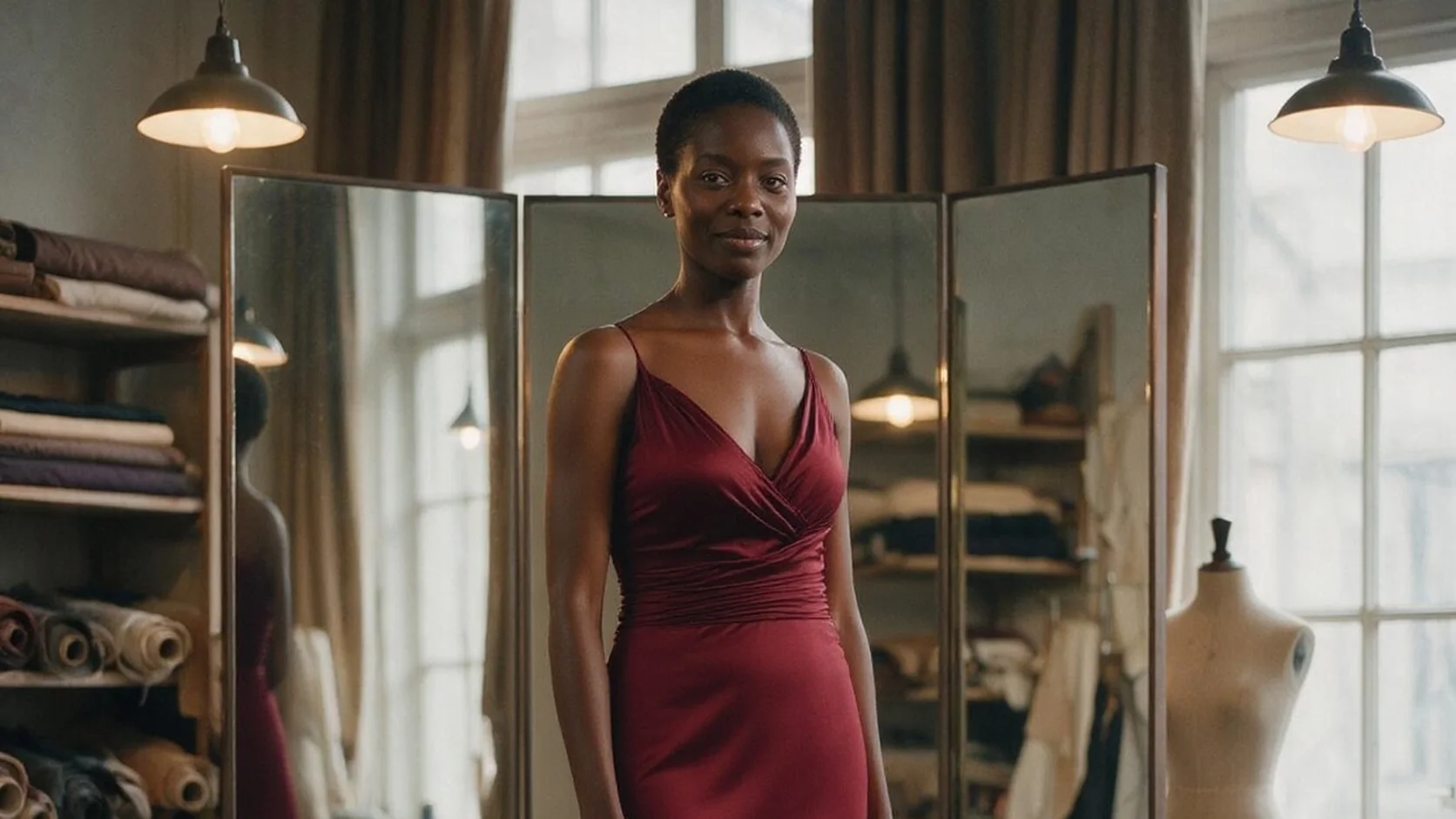
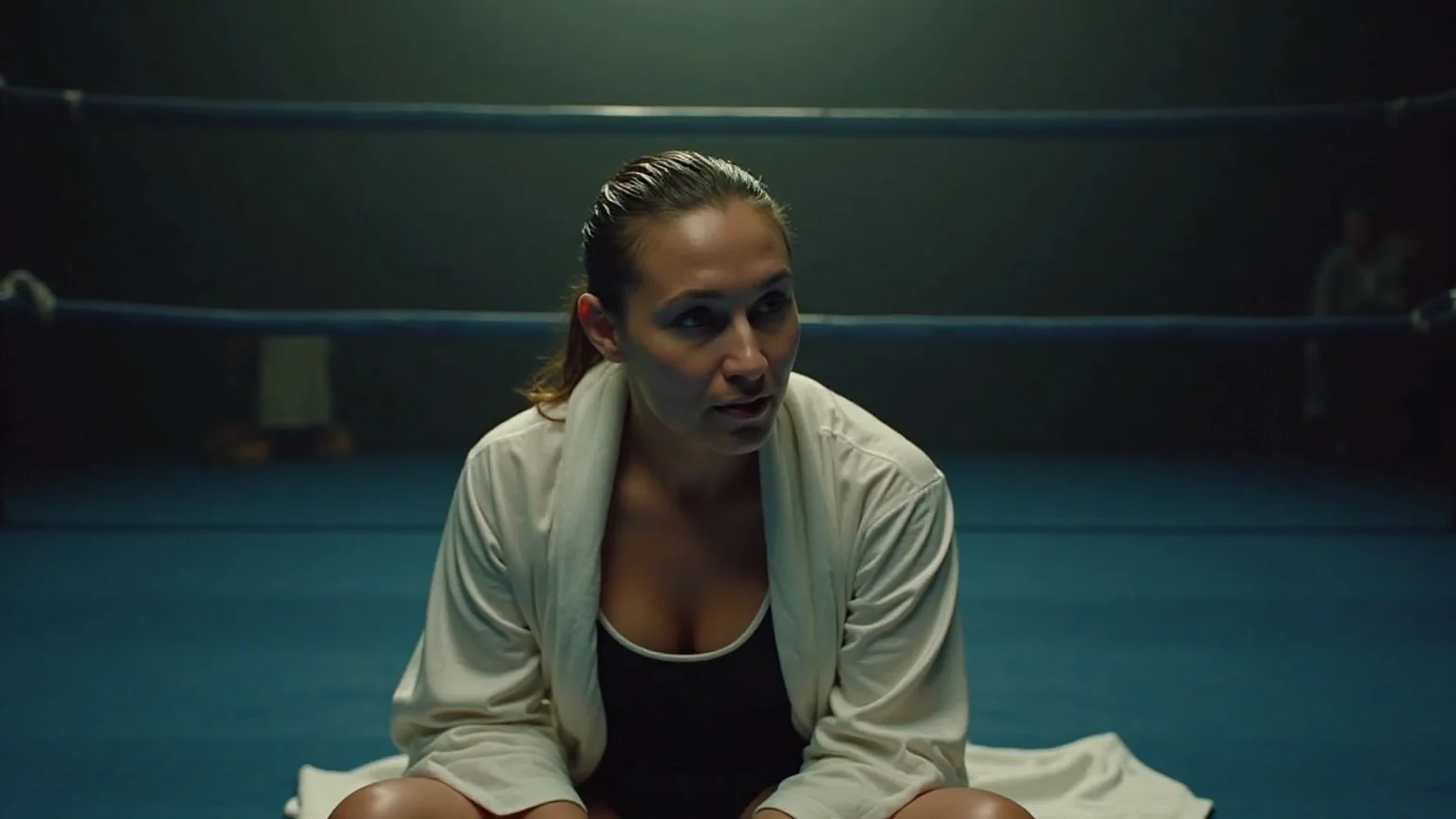
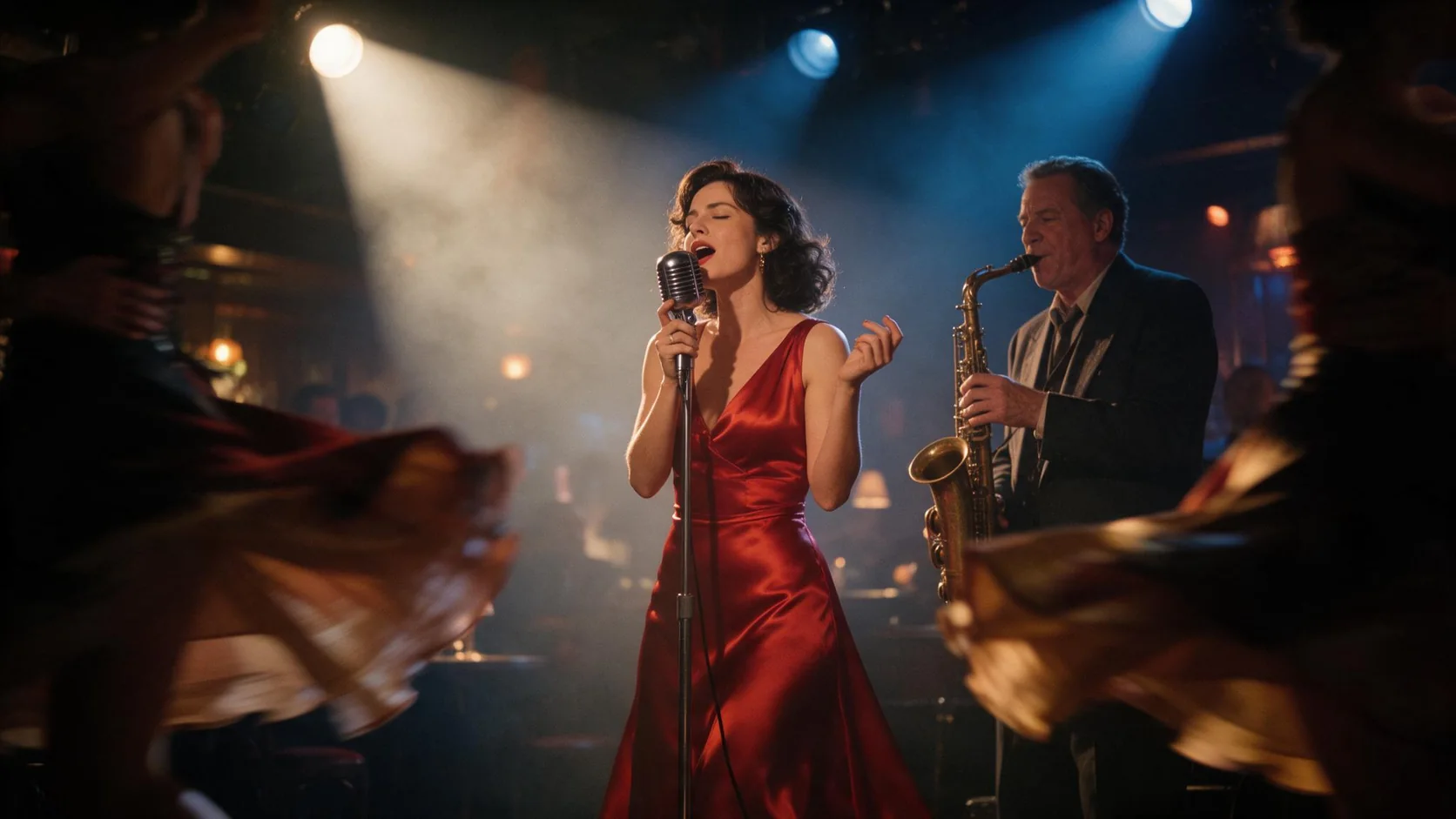
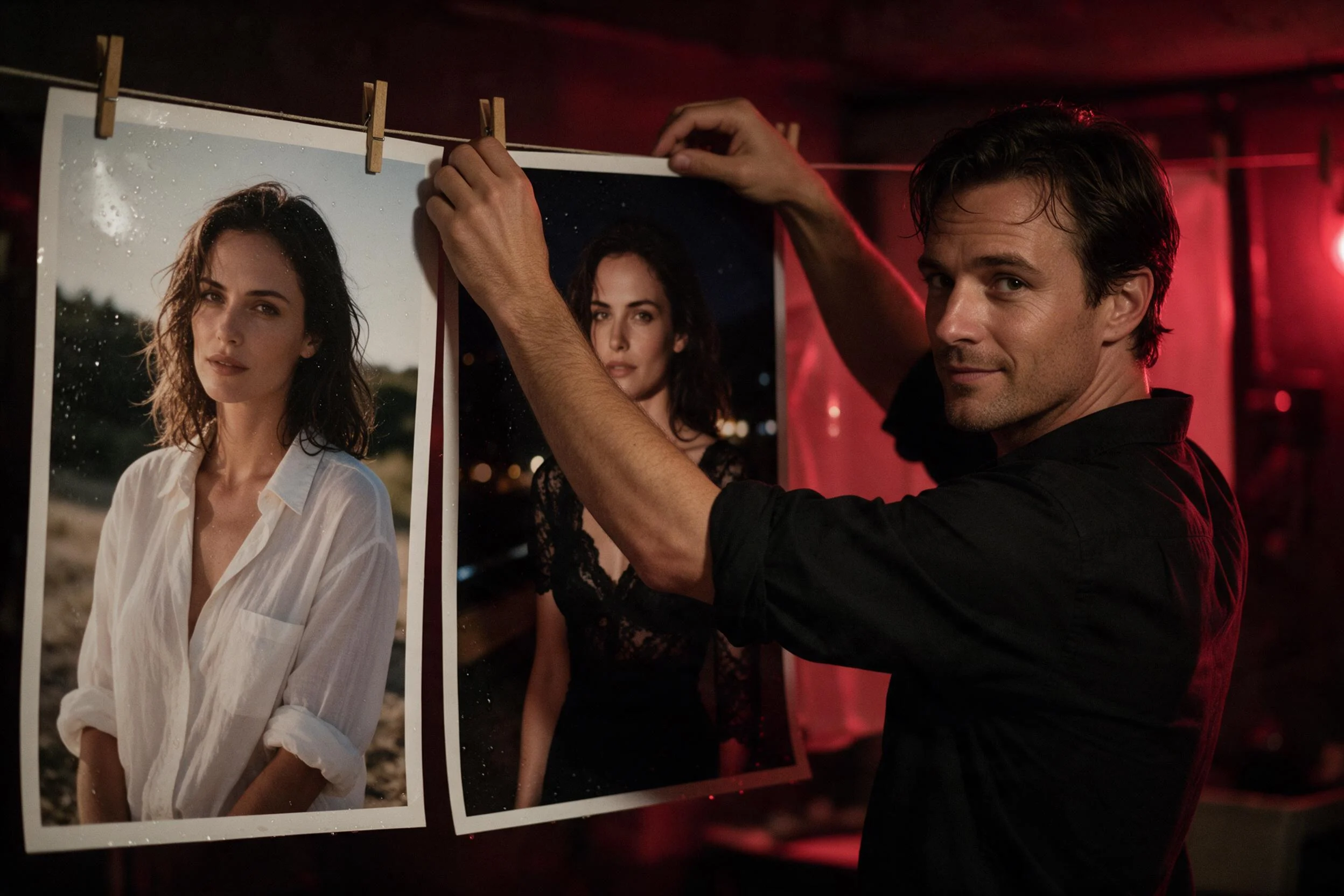
FLUX.1 Kontext [max] Text to image is the premium tier of the Kontext family that Black Forest Labs announced on 29 May 2025, positioned by its makers for maximum prompt adherence and typography. Where the faster tier is tuned for quick iteration, Kontext [max] spends its extra cost on scenes with several people, layered props and long lettering. It answers a written brief with a photograph of about one megapixel, and that photograph can go straight into the Kontext [max] edit endpoint.
Choose a mode by starting material
| What you have | Mode |
|---|---|
| a written scene, however busy | FLUX.1 Kontext [max] Text to image |
| one finished photo to restyle or change | FLUX.1 Kontext [max] Edit |
Key features & highlights
Two people, one believable moment
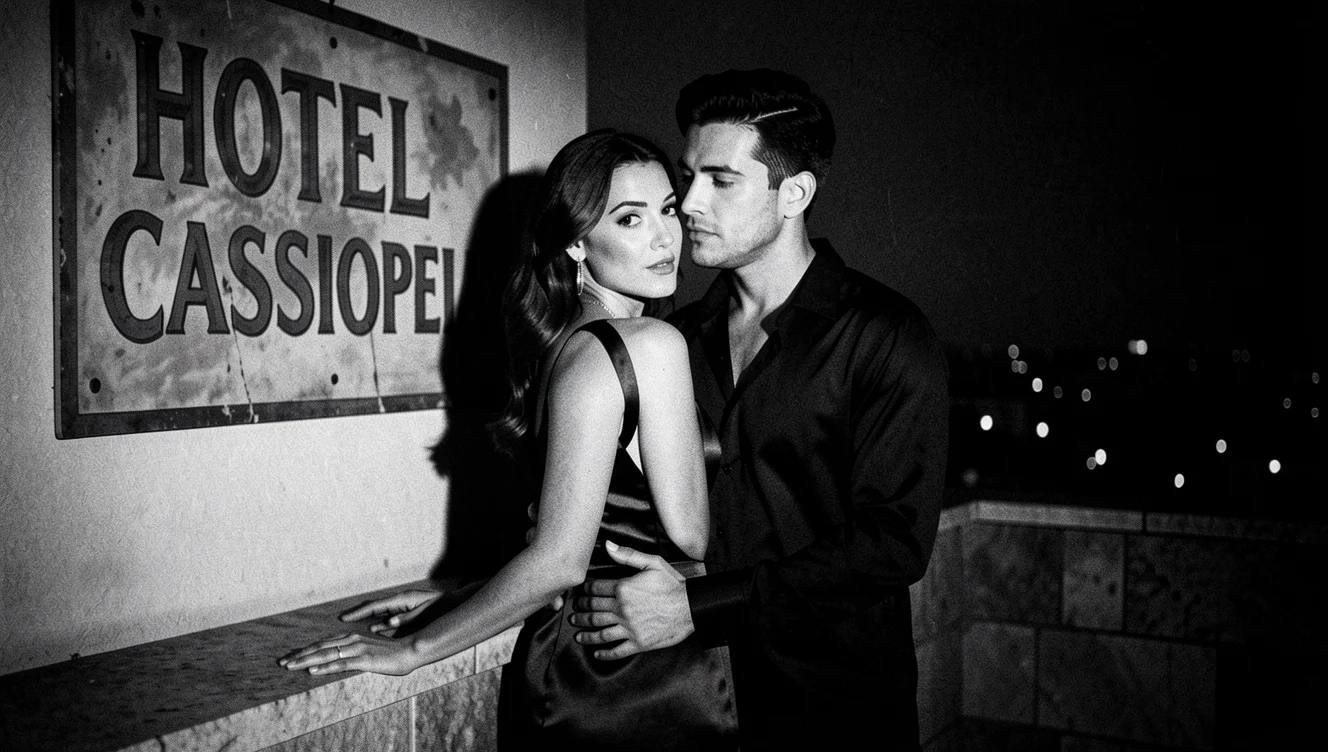
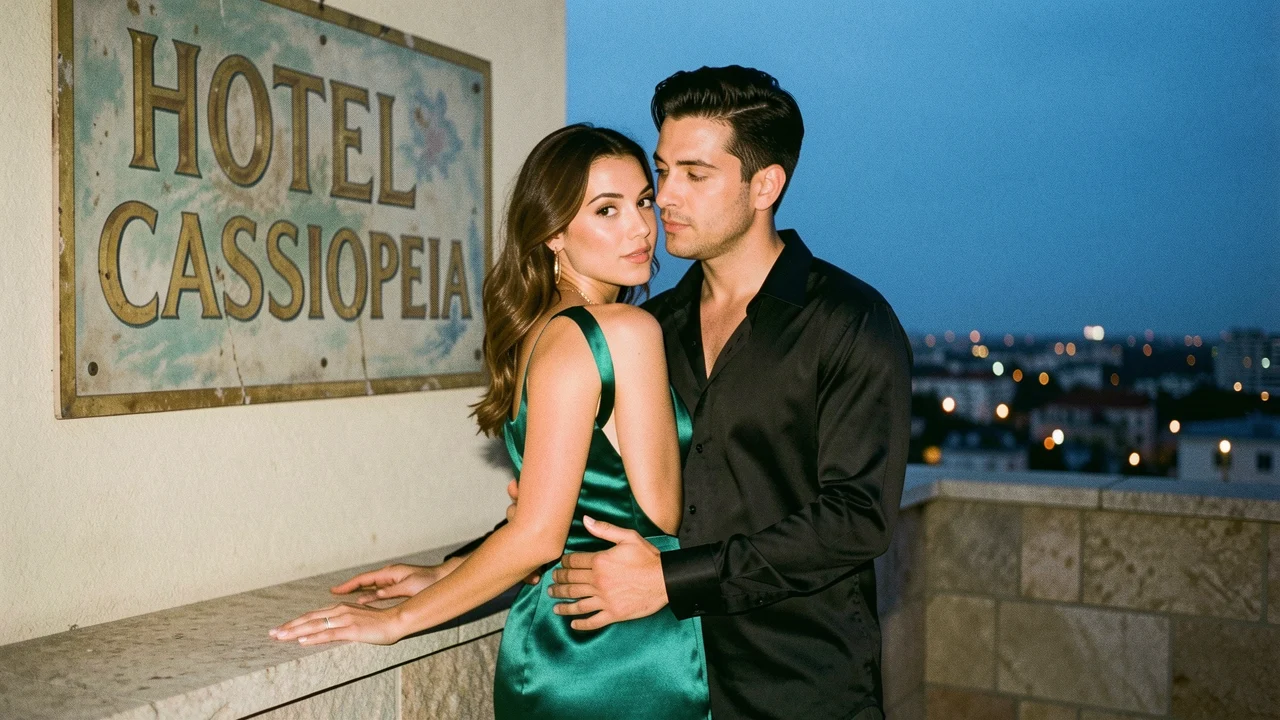
Our rooftop brief placed a woman in a backless emerald gown at a parapet and a man close behind her with a hand at her waist. Kontext [max] kept both faces distinct, the hands where the prompt put them and the city lights below in focus fall-off.
Lettering with age and texture
The same frame asked for a hand-painted wall sign reading "HOTEL CASSIOPEIA" in faded gold. It came back spelled correctly, with chipped paint and a weathered board rather than clean digital type.
Small props that carry the story
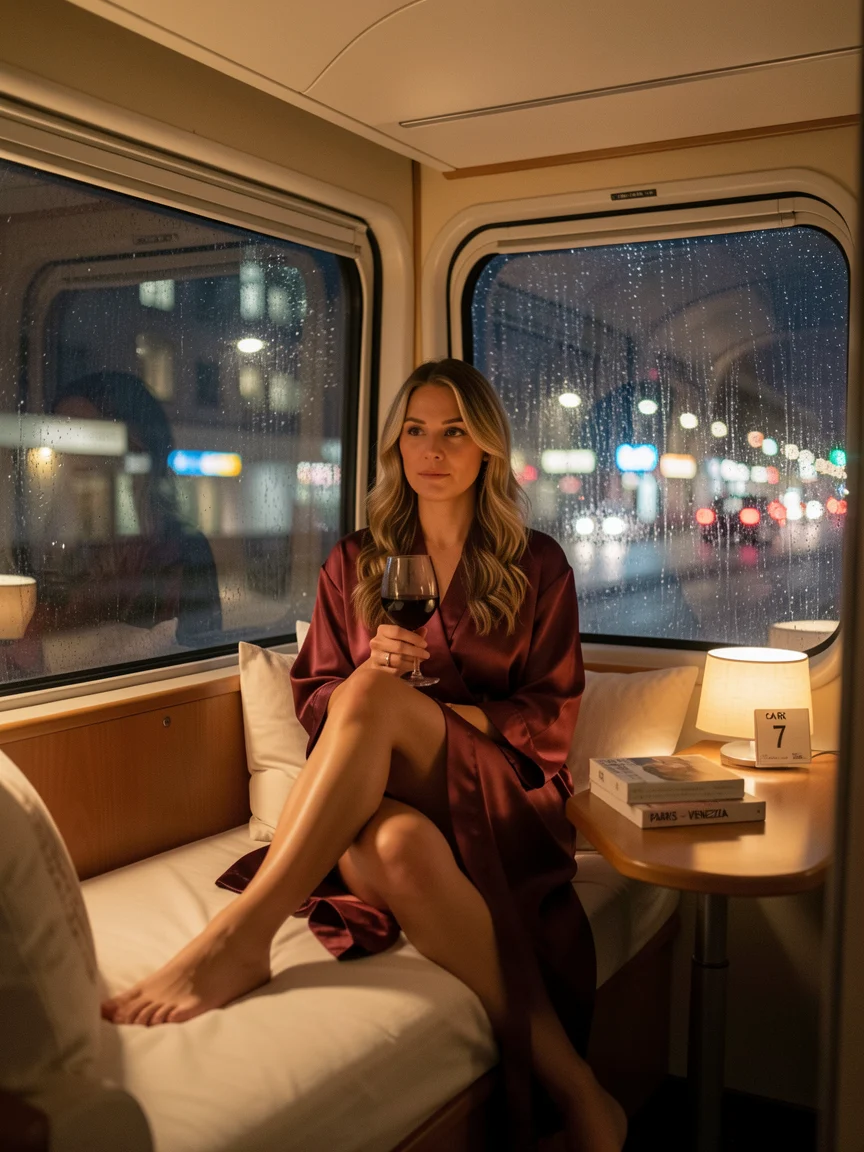
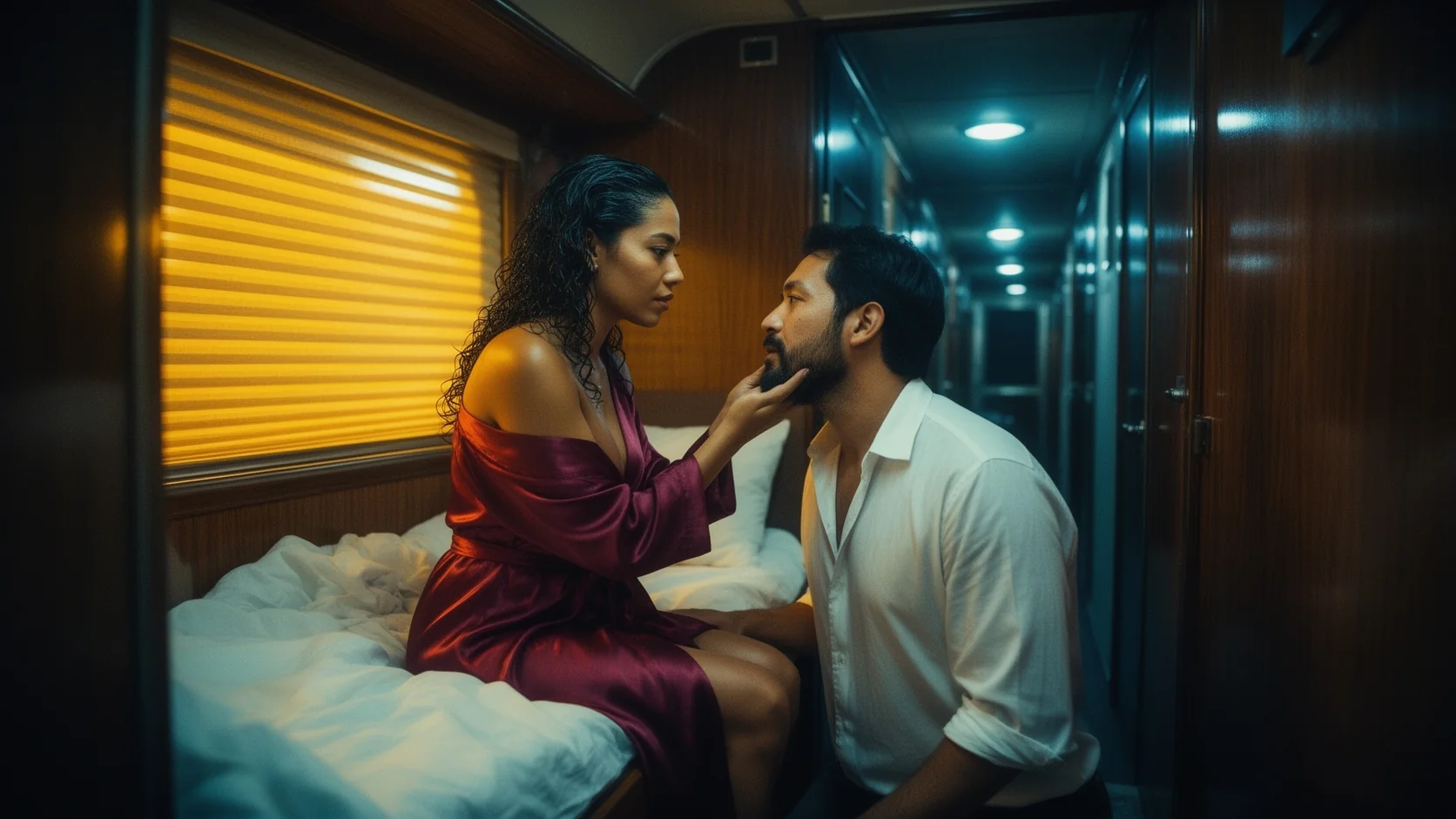
A night-train cabin prompt listed a red silk robe, a wine glass, a rain-streaked window and a ticket on the table, and every item appeared where it was described.
About one megapixel in six shapes
16:9 returned 1280x720 and 3:4 returned 864x1152 in our runs; 21:9, 4:3, 1:1 and 9:16 are also available at the same price.
Request parameters
| Parameter | Required | Description |
|---|---|---|
prompt | Yes | Required, up to 5,000 characters. Stage the scene with verbs and positions, list the props, and quote any lettering together with its material. at least 1 characters · at most 5000 characters |
aspect_ratio | No | 1:1 (default), 16:9, 9:16, 4:3, 3:4 or 21:9. All shapes are about one megapixel at the same price. |
output_format | No | jpeg (default) keeps files small; png is lossless. Price is unaffected. |
enable_prompt_expansion | No | Off by default. On lets Kontext [max] enrich a short prompt before rendering; leave it off for staged scenes where you have already listed every element. Default: |
Pricing
$0.056 / image
Kontext [max] text to image costs a flat amount per image regardless of shape or format. Refused and failed requests are not charged.
Use cases
Campaign stills with copy in the scene
Hotel, travel and fashion frames where a sign, a ticket or a label is part of the photograph, not a caption laid on top.
Couples and ensemble scenes
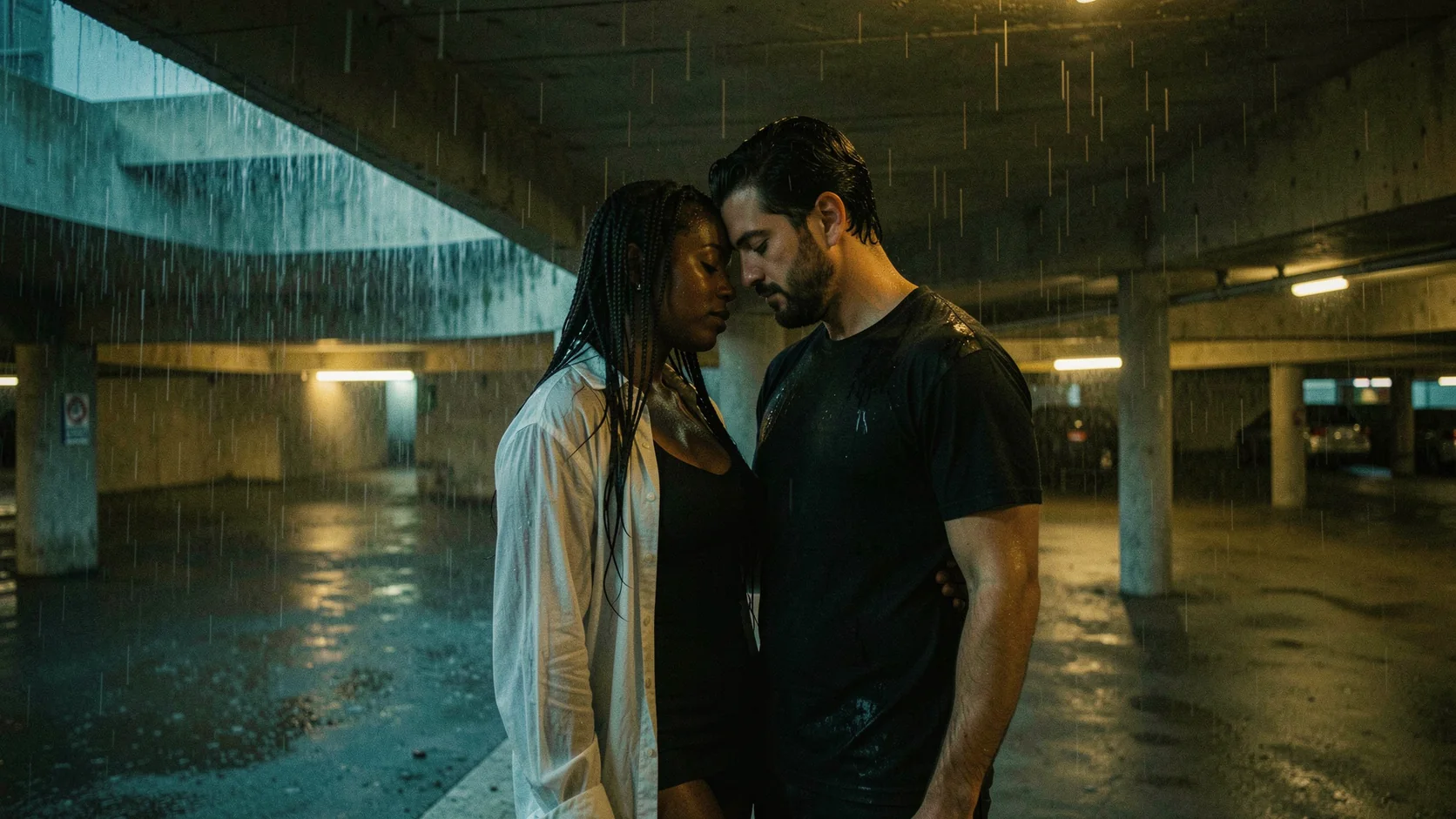
Two or more people with distinct wardrobe and placement, for romance covers, lookbooks and storyboards.
Detailed interiors
Cabins, dressing rooms and suites where the props tell the viewer where and when the scene happens.
Prompt guide & pro tips
Place people with verbs
"Leans on the parapet looking back", "stands close behind her" and "one hand resting on her waist" give Kontext [max] a staging plan to follow.
Give lettering a material
Faded gold paint, neon tube, printed paper ticket: the material decides how the words look in the light.
Name the era of the camera
"35mm film grain" or "cinematic still" steers colour and texture more reliably than adjectives such as beautiful or stunning.
Keep expansion off for staged scenes
Prompt expansion can invent props; leave it off when you have already listed everything that belongs in the frame.
Check the lettering before you scale up a set
Render one frame, zoom into the sign or ticket and read it letter by letter. If a word slips, shorten the quoted line or move it to a larger surface in the scene, then reuse that wording for the rest of the series.
API quick start
# Generate the idempotency key once; reuse it when retrying after a lost response.
export SPICY_IDEMPOTENCY_KEY="${SPICY_IDEMPOTENCY_KEY:-$(uuidgen)}"
curl -X POST https://api.spicyapi.ai/api/v1/jobs/createTask \
  -H "Authorization: Bearer $SPICY_API_KEY" \
  -H "Content-Type: application/json" \
  -H "Idempotency-Key: $SPICY_IDEMPOTENCY_KEY" \
  -d '{
  "model": "black-forest-labs/flux-1-kontext-max/text-to-image",
  "input": {
    "prompt": "A ceramic teapot on a linen cloth, soft window light, muted palette",
    "aspect_ratio": "1:1",
    "output_format": "jpeg"
  }
}'

# Copy data.taskId from the response into TASK_ID, then poll the status.
TASK_ID="TASK_ID_FROM_RESPONSE"
curl "https://api.spicyapi.ai/api/v1/jobs/recordInfo?taskId=$TASK_ID" \
  -H "Authorization: Bearer $SPICY_API_KEY"
See the API reference for authentication, the complete schema, polling, and error handling.