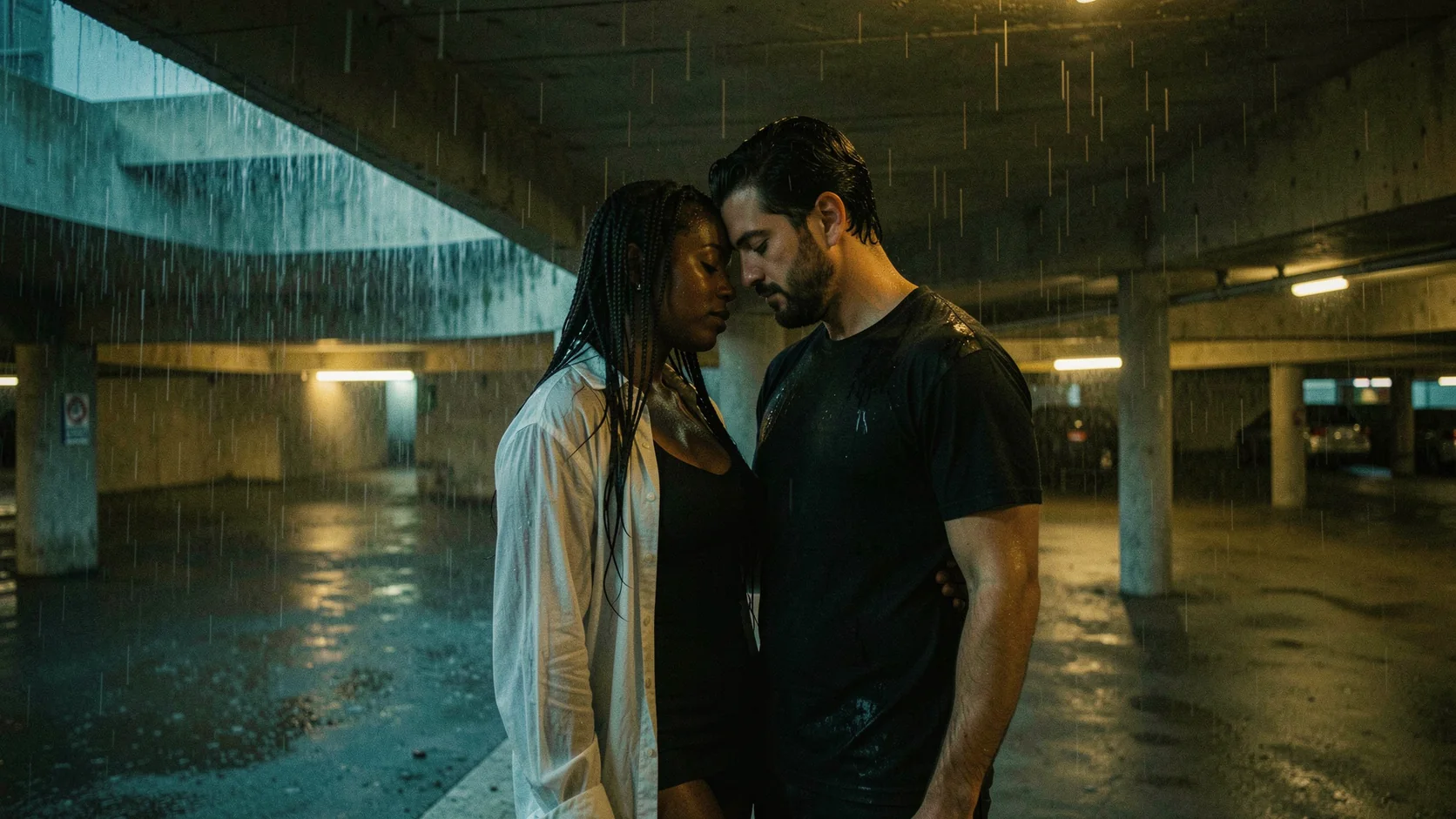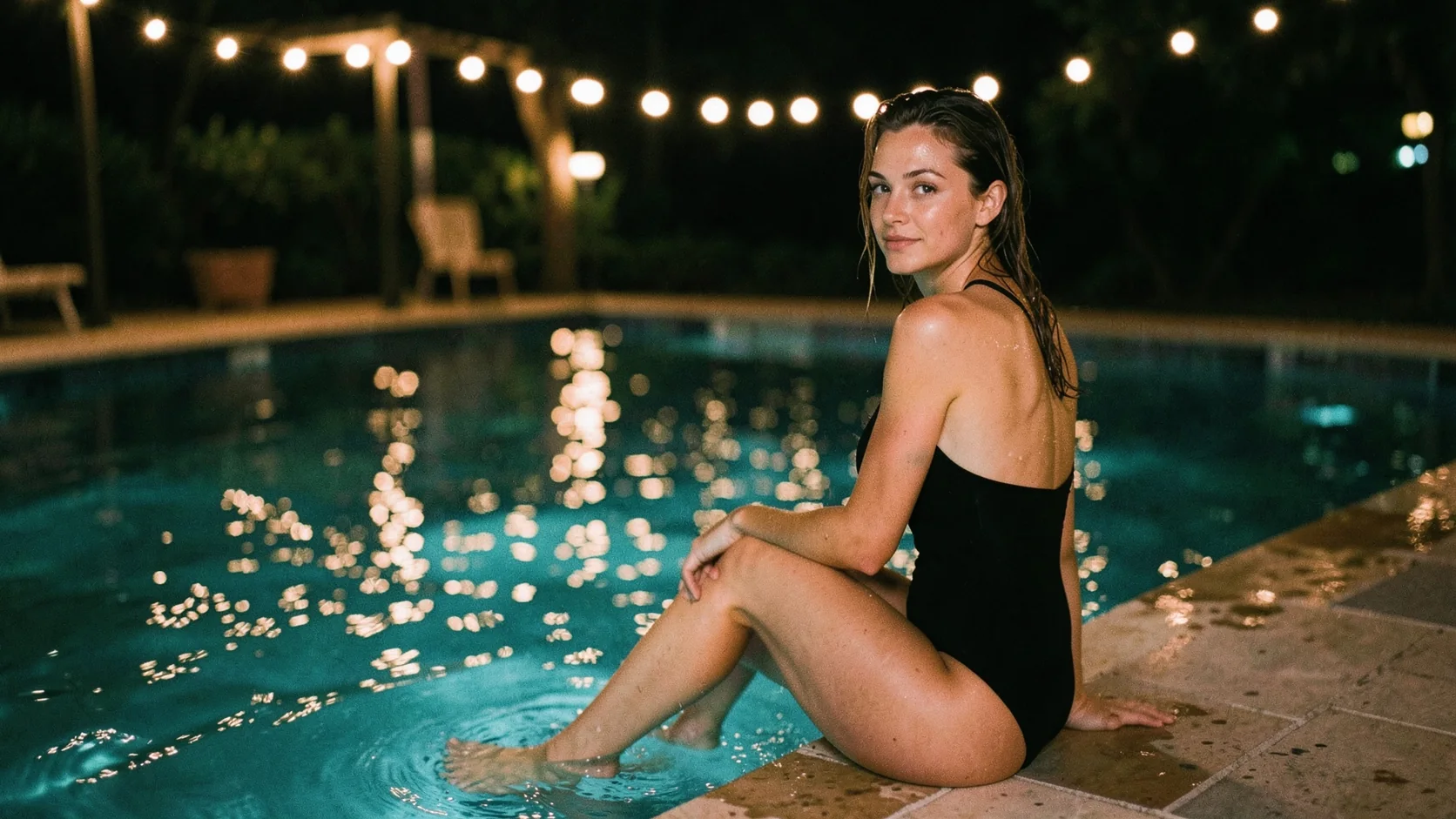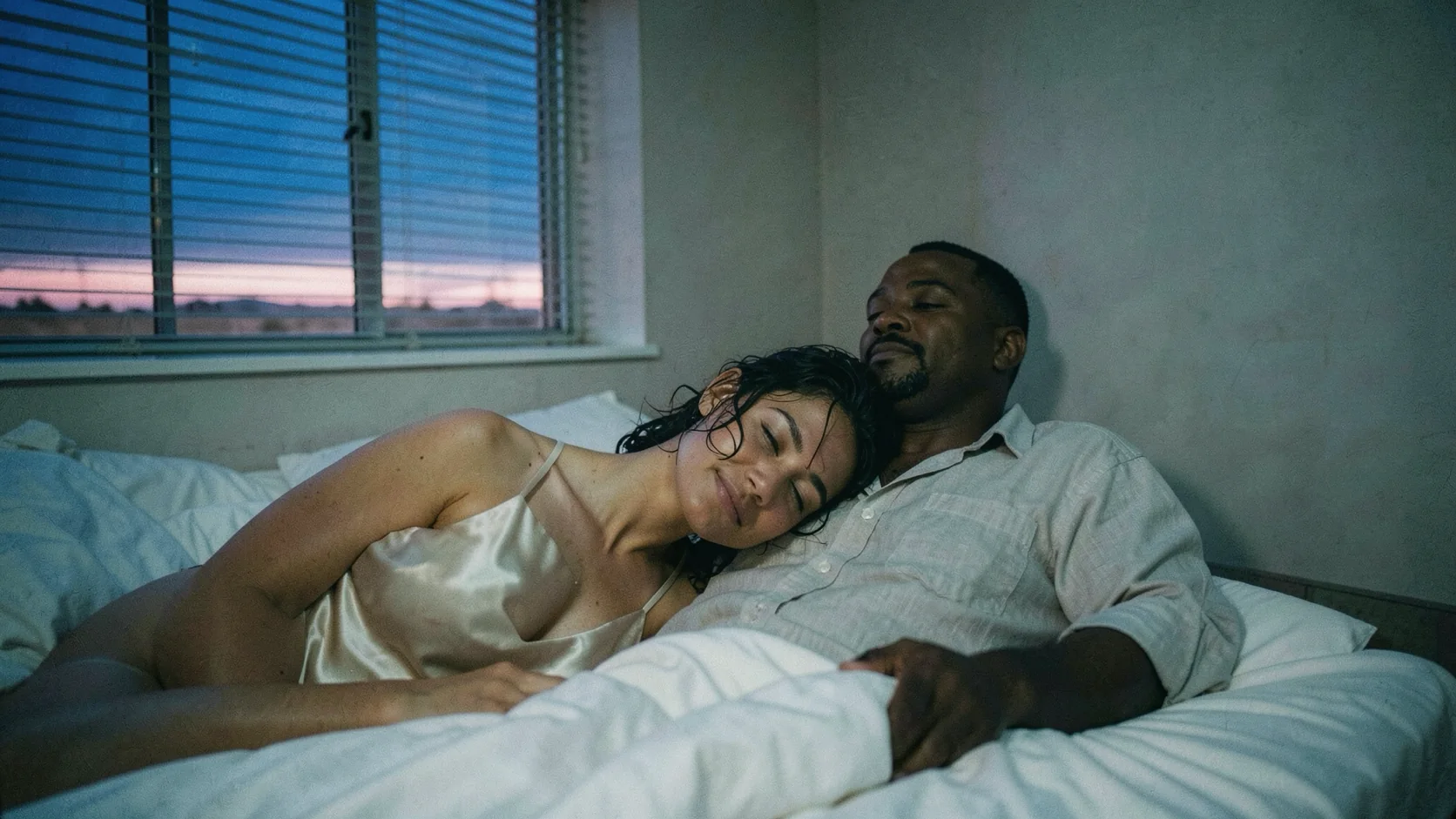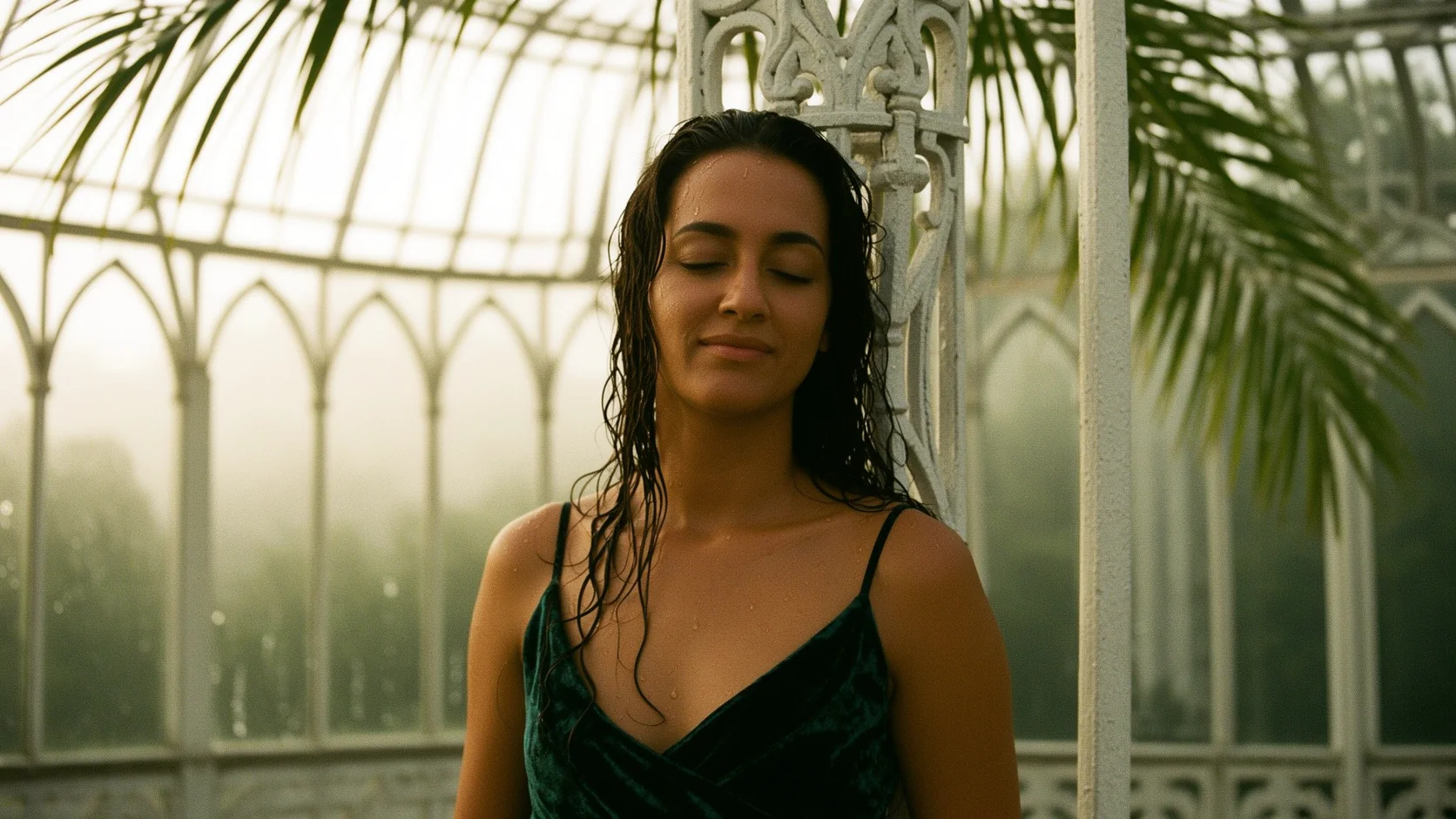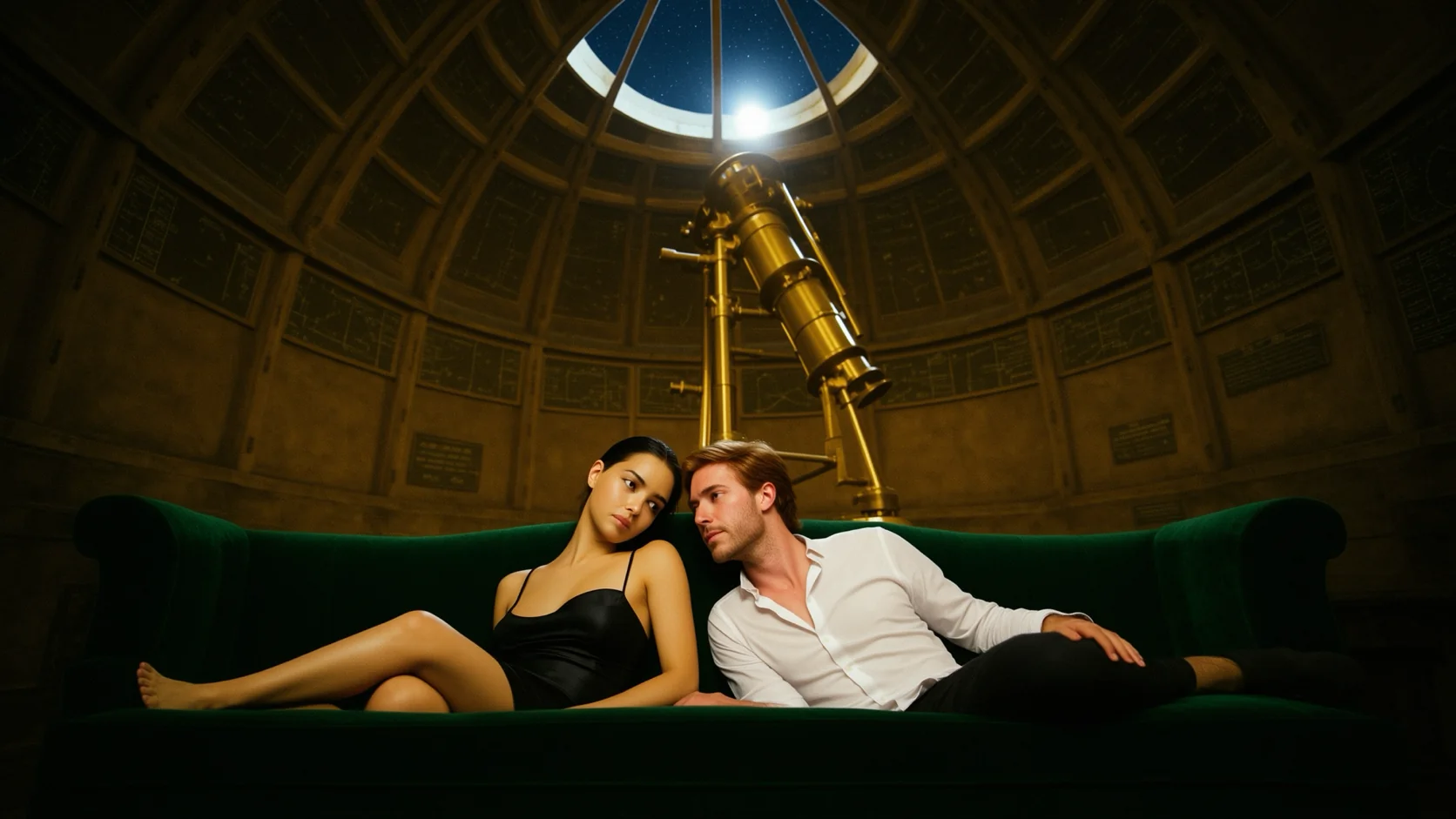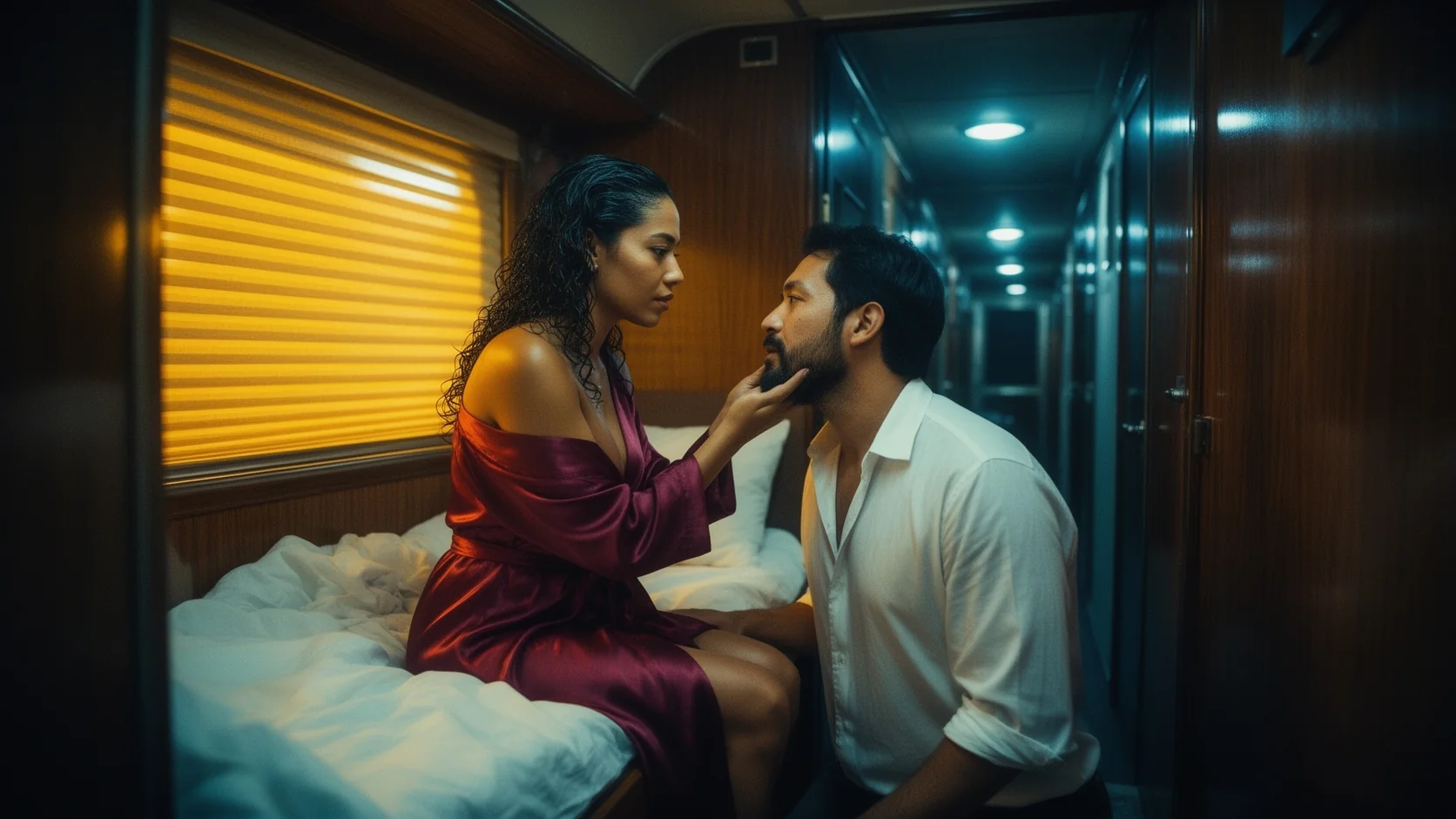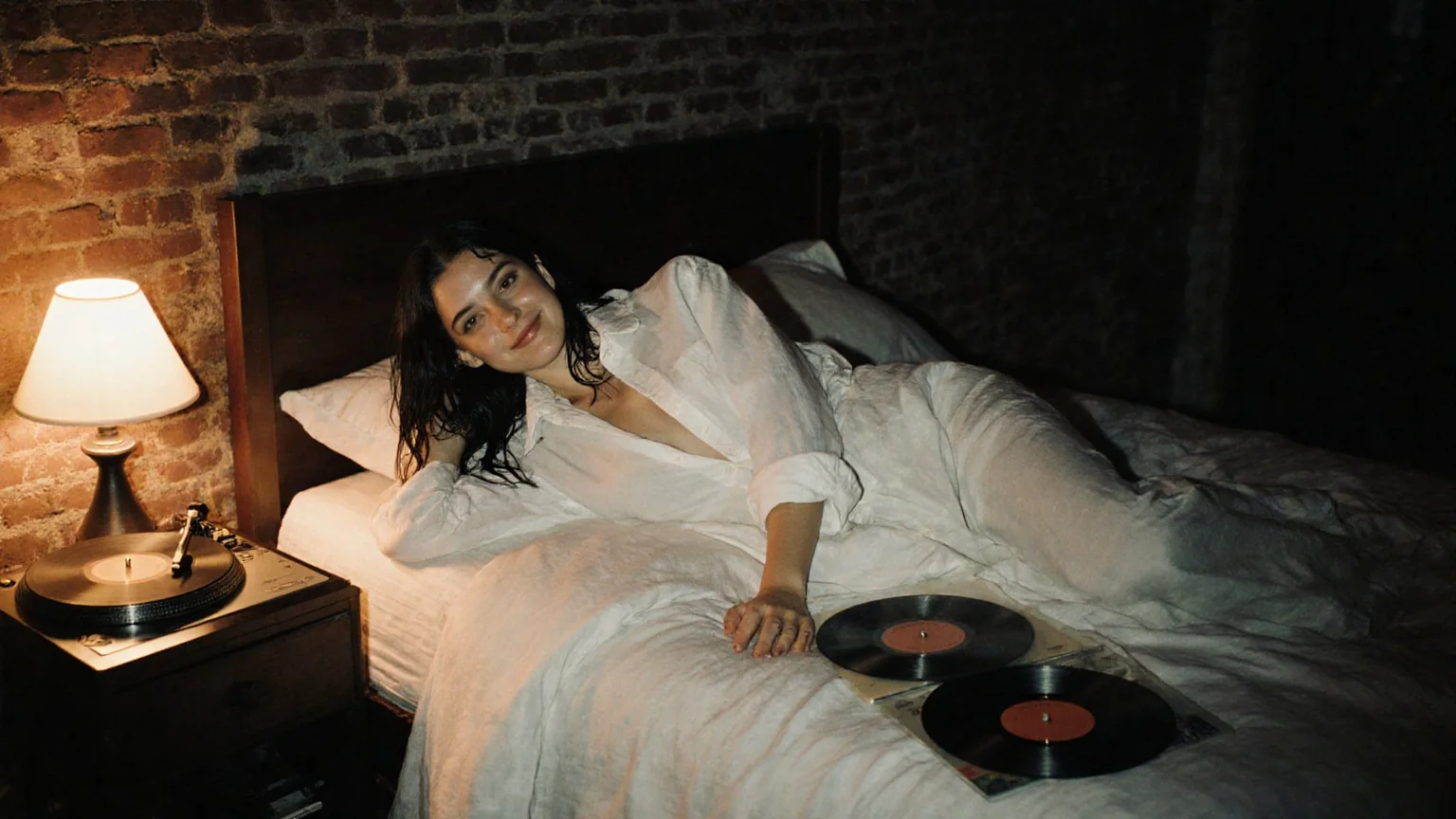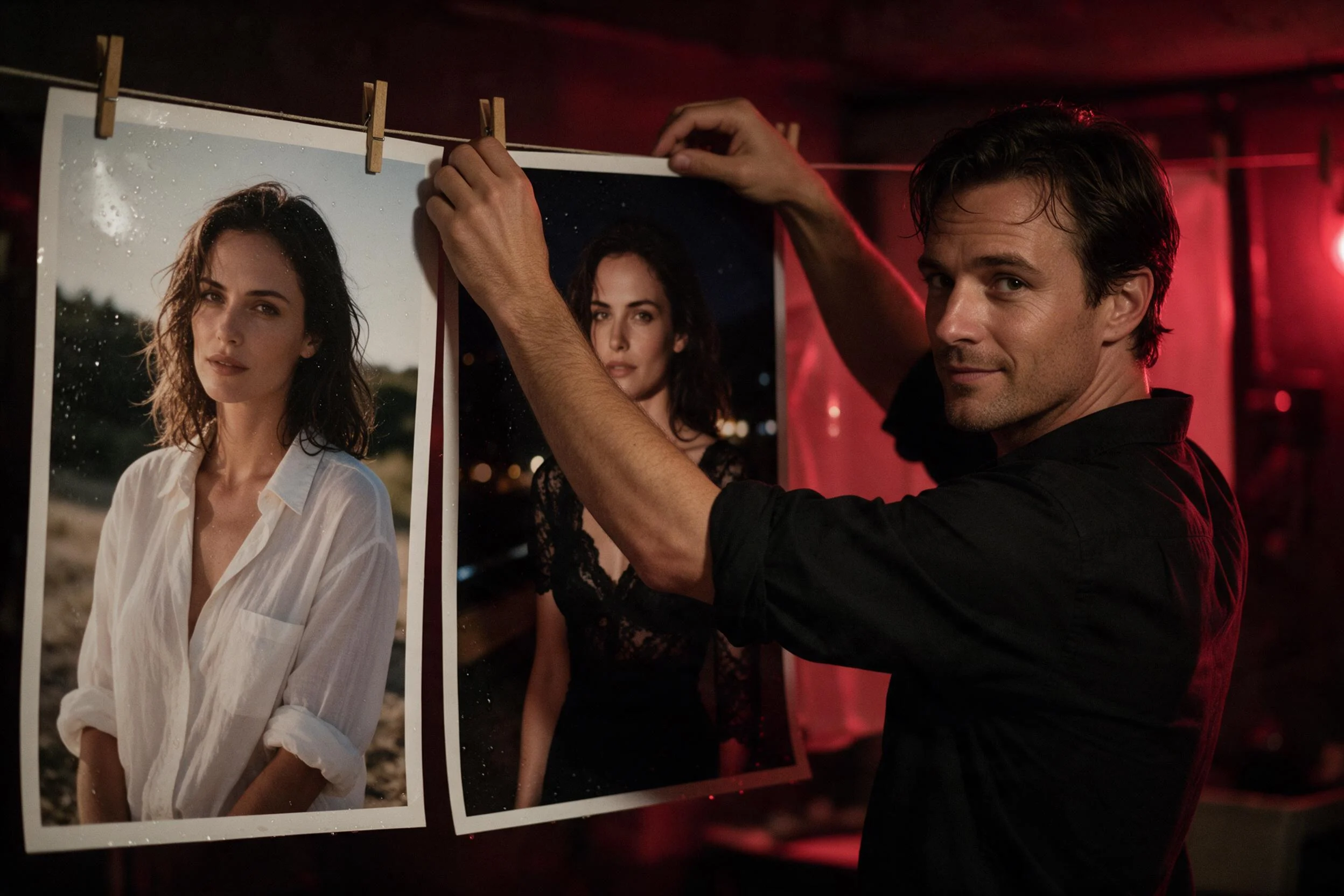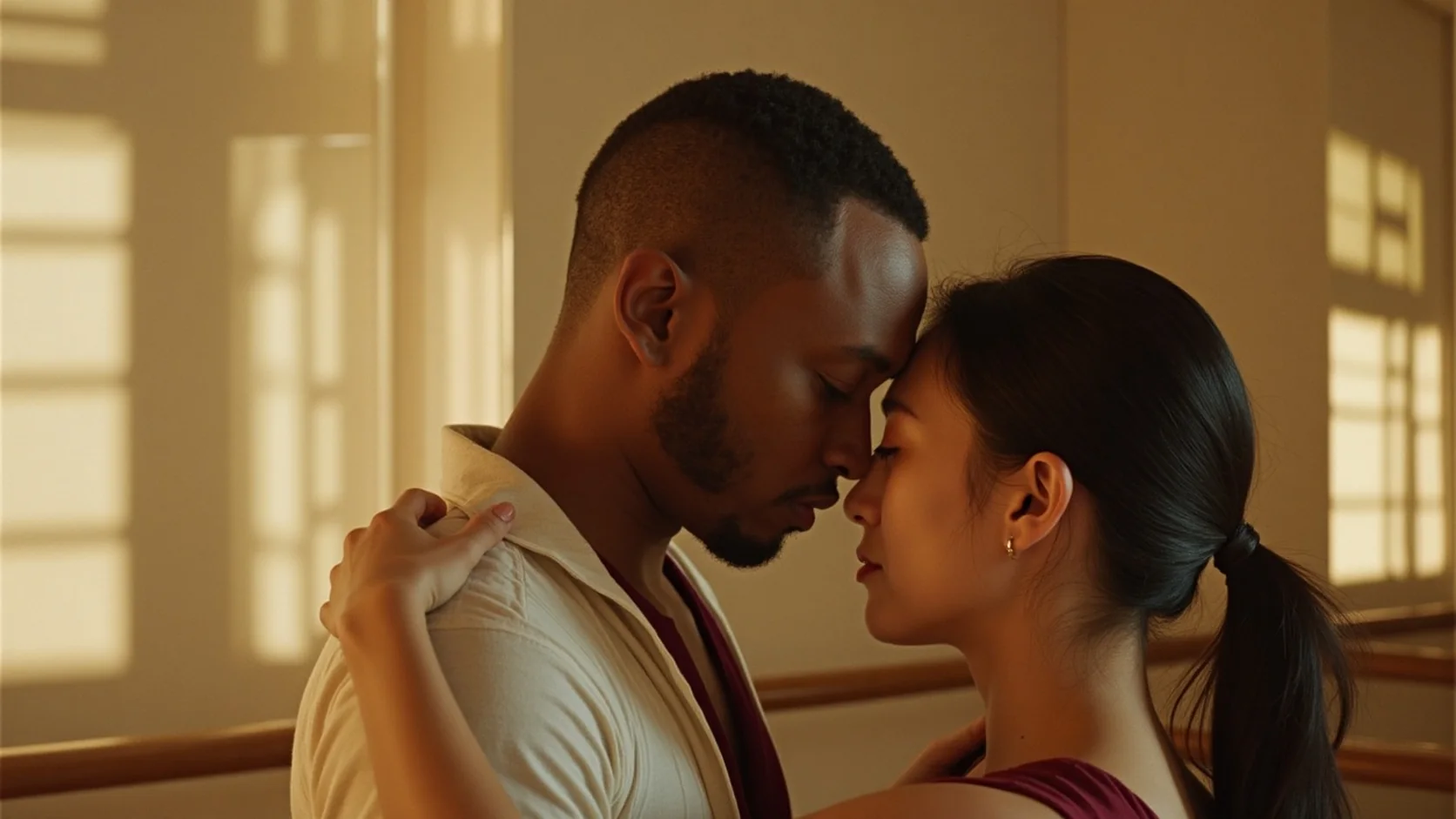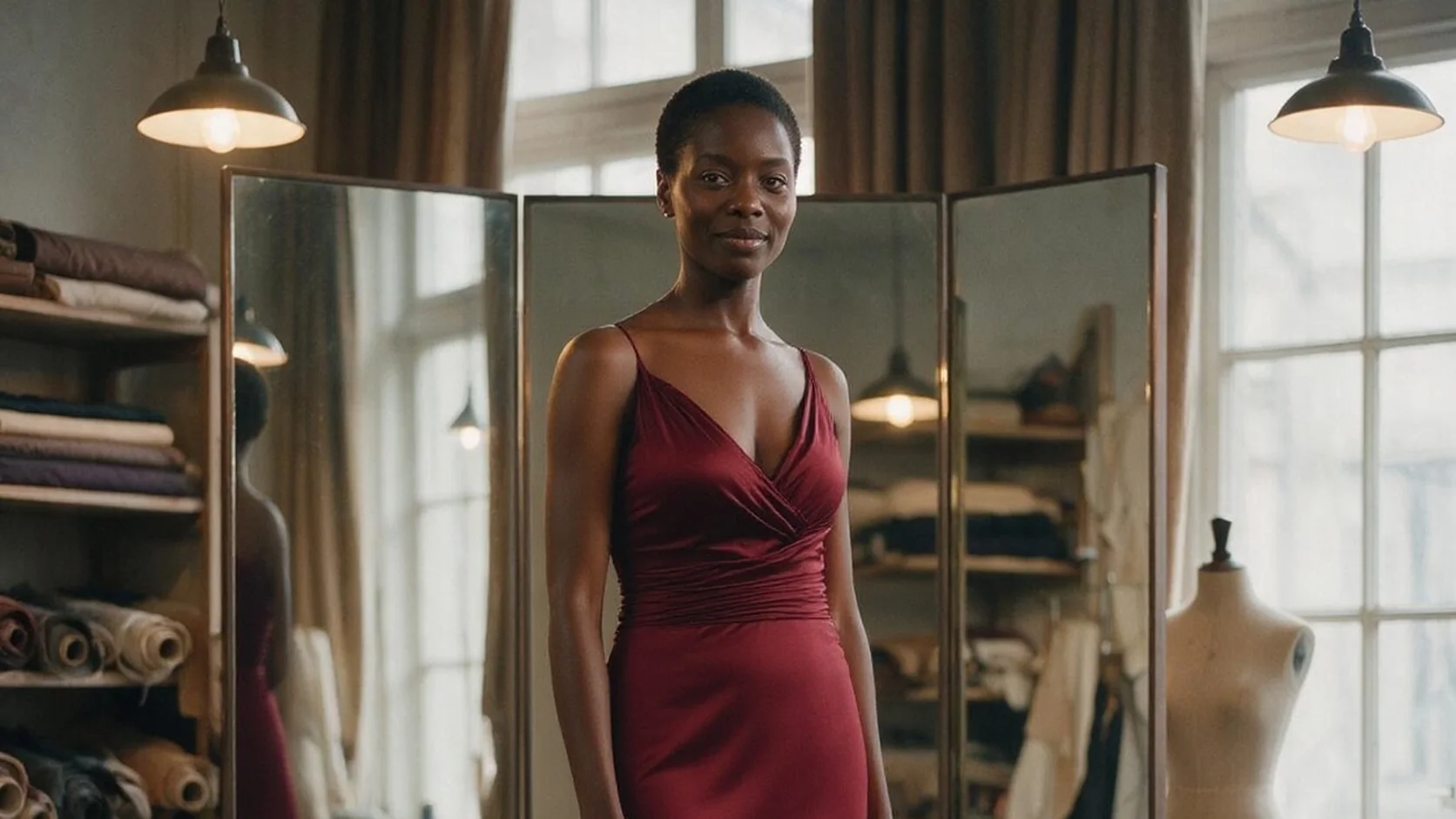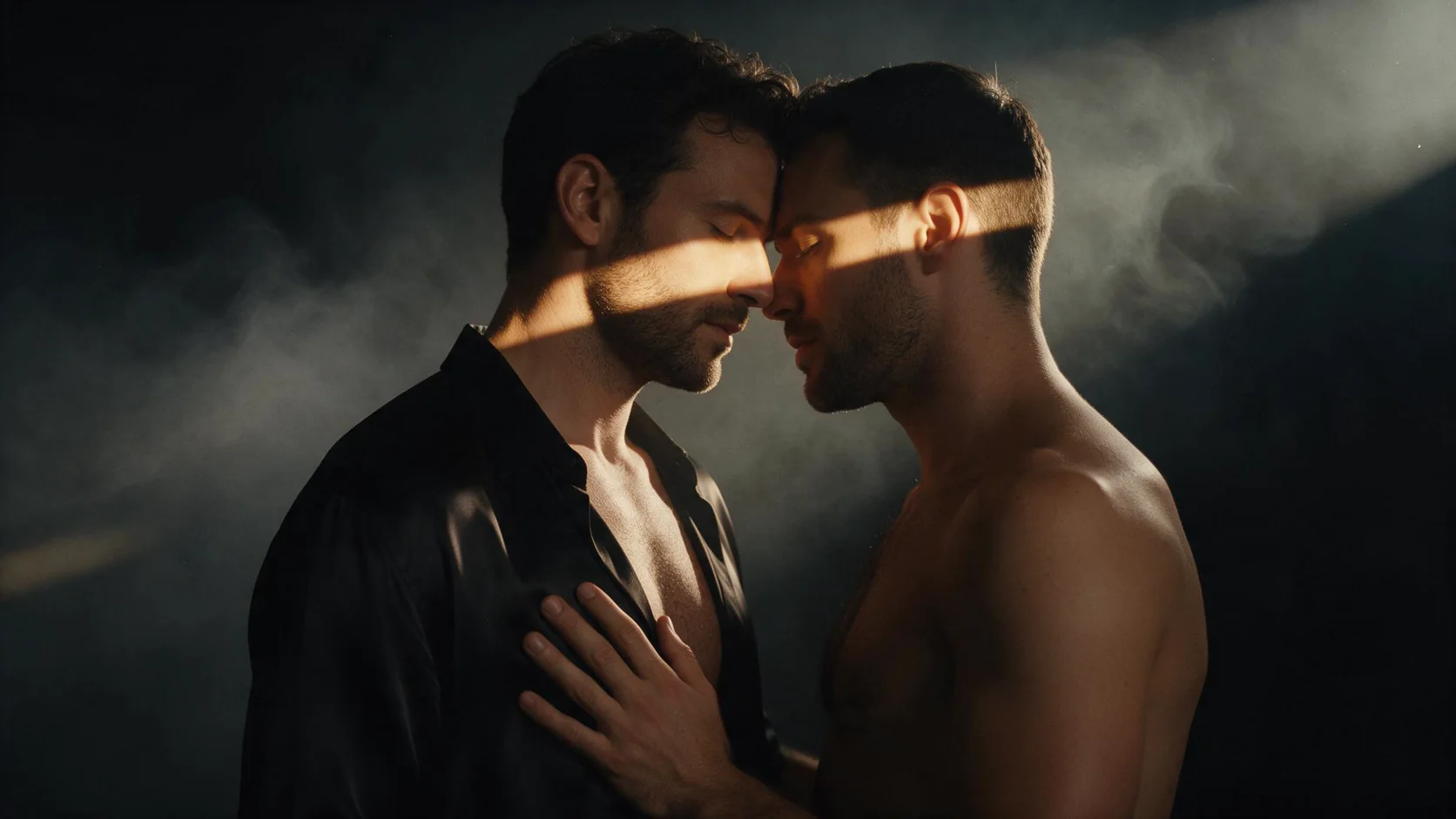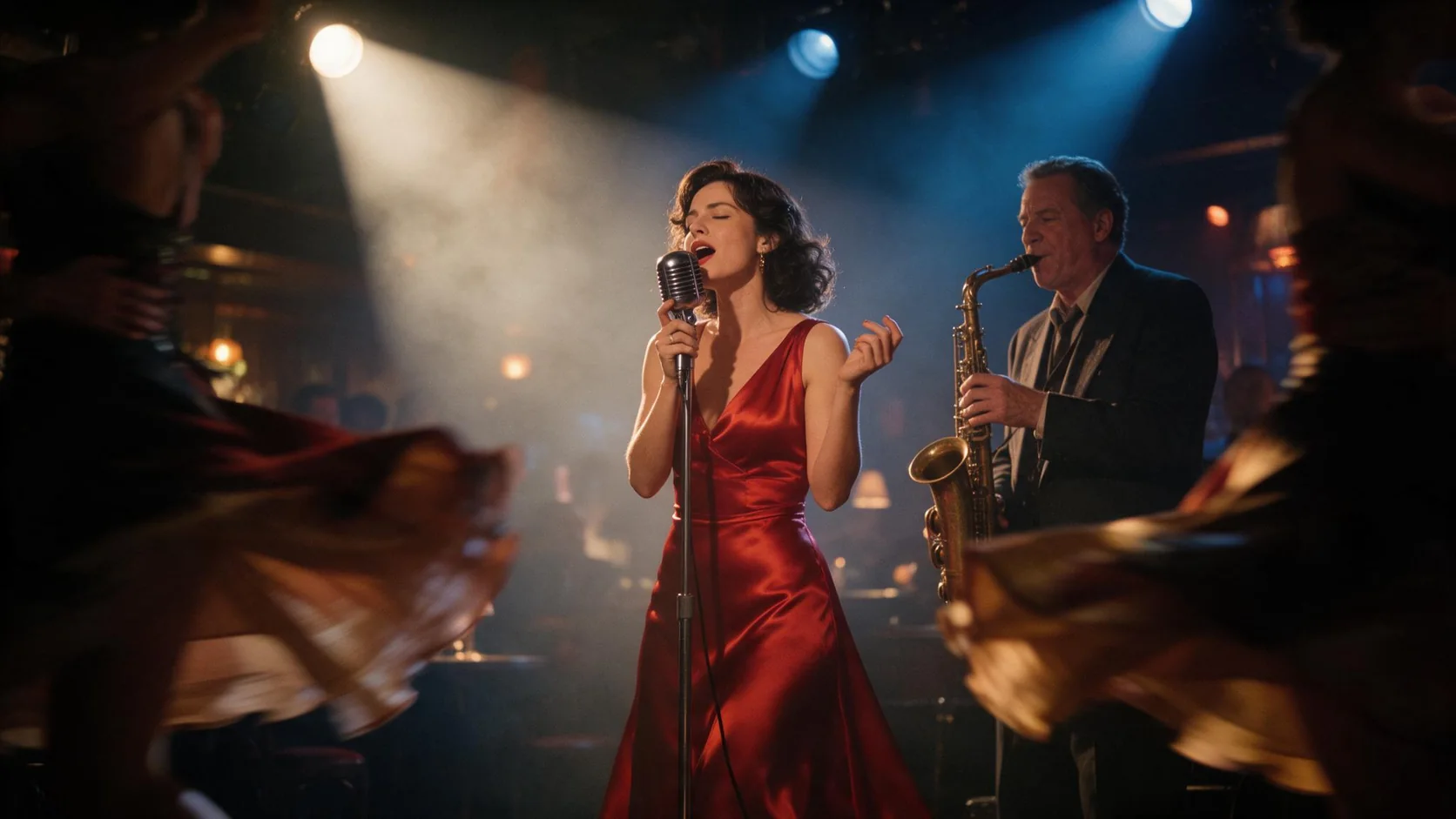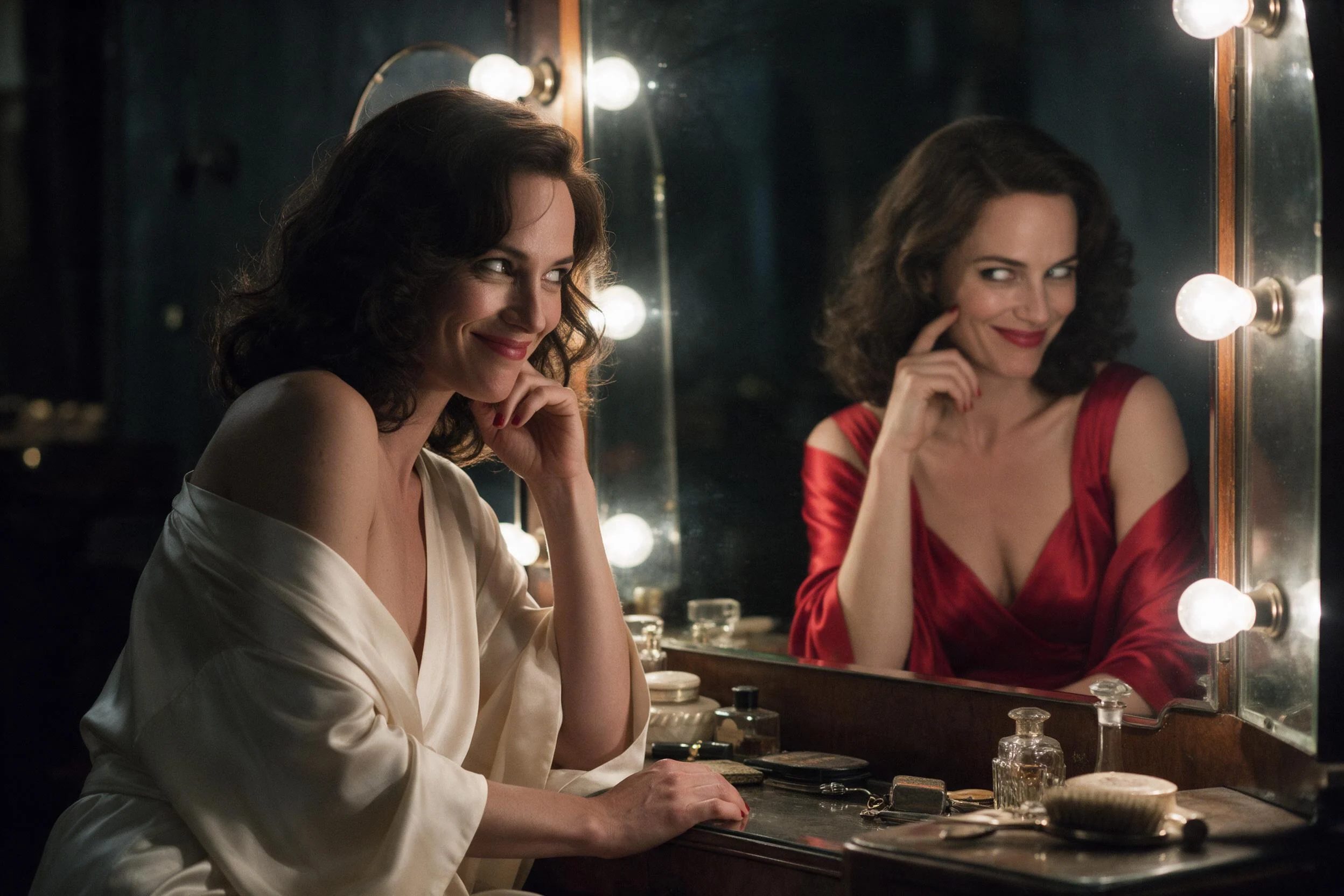
Black Forest Labs FLUX.1 Kontext [pro] edits one photo from a written instruction, changing clothing, weather or lettering while the face, pose and room stay as they were.

From $0.028/image30% below the publisher's list price

Workbench

Input

Image editing
197/5000
Required, up to 5,000 characters. Lead with the change, then name what must stay: face, hair, pose, background, existing lettering. Non-English instructions are translated to English first. at least 1 characters · at most 5000 characters
1/1

Drop files or media links, paste, or browse · 1 file · Max 10 MB · JPG · PNG · WEBP

  • 1
1 / 1 files
Required. One JPEG, PNG or WebP photo up to 10 MB. Kontext [pro] reads this picture and changes only what the instruction asks for. at least 1 characters
auto (default) keeps the shape of the source photo. Choose 1:1, 16:9, 9:16, 4:3, 3:4 or 21:9 to crop or extend the frame. No effect on price.
Output format
JPEGPNG
jpeg (default) or png. The format does not change the price.
Prompt expansion
Off by default. When on, the instruction is expanded with extra detail before editing; keep it off when the wording of the edit must stay exact.
Safety checkerOff

SpicyAPI does not run a safety checker on this model. Your prompt and media go to the model as written, and the model itself decides what comes back.

Checking your account before enabling submission and pricing.

Output

Ready for a new run
mirror-black-laceExample result

Missing the model you need?

BLACK FOREST LABS · IN-CONTEXT EDITING

FLUX.1 Kontext Pro API at a glance

FLUX.1 Kontext [pro]: draw a scene from text, then edit the same face, outfit and lettering in place.

Output size
1 MP
Kontext [pro] returns about one megapixel in every shape, from 1024 square to 1520x656.
Aspect ratios
6
21:9, 16:9, 4:3, 1:1, 3:4 and 9:16; edits can also keep the source shape.
Photo per edit
1
Kontext [pro] edits one source photo at a time, guided by a written instruction.
Typical wait
10-45 s
Our text-to-image runs took 10 to 30 seconds and edits 20 to 45 seconds.

Results

What you can make with FLUX.1 Kontext Pro

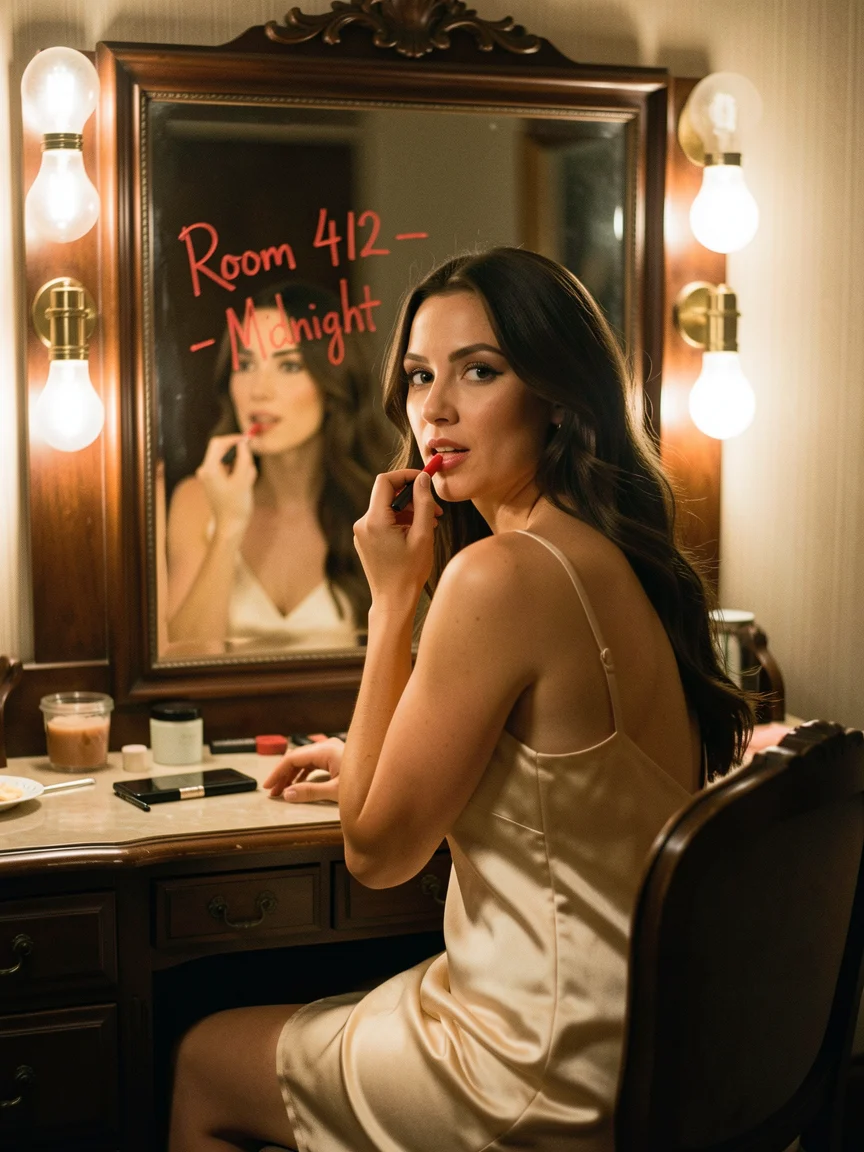
  • A woman in a champagne satin slip at a bulb-lit vanity applies red lipstick and looks into the mirror, where Room 412 - Midnight is written in lipstick

    Lettering in the scene

    A note written on the mirror

    A woman in a champagne slip at a hotel vanity, with Room 412 - Midnight written in red lipstick on the glass. The note came back in a hand-drawn stroke, spelled as quoted.

    Text to image, 3:4, 864x1152.

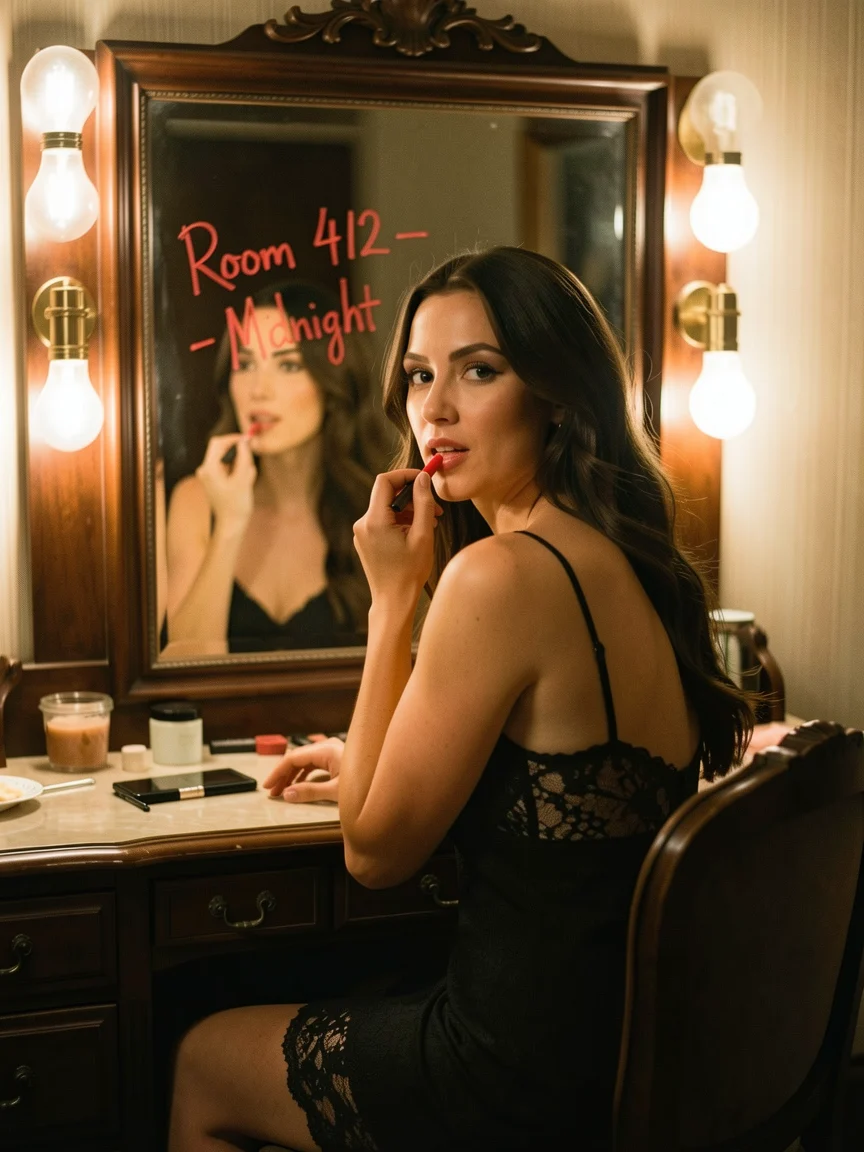
  • The same woman at the same vanity, now in a black lace slip dress, with the lipstick note still on the mirror

    One change, nothing else

    Same vanity, new slip

    The vanity picture sent back with one instruction: black lace instead of champagne satin. Face, hair, bulbs and the mirror note stayed in place.

    Edit of the vanity picture, auto shape.

  • A man in an unbuttoned white linen shirt sits at the edge of a motel pool at dusk beneath a pink PALM COURT neon sign

    Neon and dusk

    A motel pool under a pink sign

    A man in an open linen shirt on the edge of a motel pool at dusk, under a PALM COURT neon script that came back spelled correctly.

    Text to image, 16:9, 1280x720.

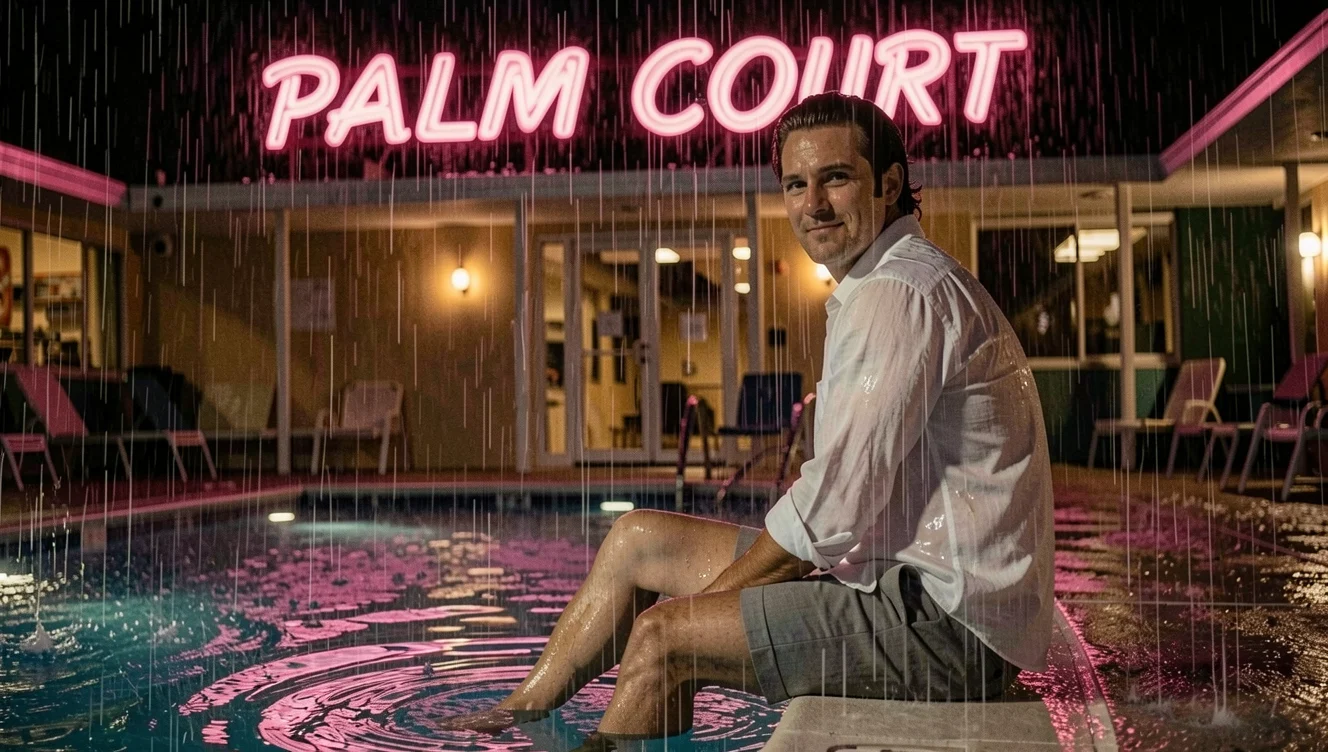
  • The same man at the same motel pool on a rainy night, shirt soaked, rain rippling the water under the pink PALM COURT sign

    Weather edit

    The same pool in the rain

    The dusk frame turned into a rainy night with rippling water, reflected neon and a soaked shirt, while his face, pose and the sign held.

    Edit of the pool picture, auto shape, 1328x752.

Content test

Is FLUX.1 Kontext Pro uncensored? What we tested

Content levels tested on FLUX.1 Kontext Pro, by mode
LevelText to imageImage editing
Mild
RendersTested Nov 13, 2026
Moderate
RendersTested Nov 13, 2026
Strong
SoftenedTested Nov 13, 2026
RendersTested Nov 13, 2026
Very strong
SoftenedTested Nov 13, 2026
Maximum
RendersTested Nov 13, 2026
Not tested yet
How we test

How each mode behaves

All modes
Black Forest Labs moderates every Kontext [pro] request. In our tests the Mild and Moderate levels rendered; Strong-level text-to-image prompts were toned down in two of three runs; Very strong prompts came back toned down; a Maximum-level scene rendered. Refused requests are not charged.
Image editing
Editing held up better than text to image in our tests: Mild, Moderate and Strong-level edits all came back as asked, and a Very strong edit was toned down. Each edit reads exactly one source photo.
All modes
Prompts in any language are translated into English before Kontext [pro] renders, so quoted lettering in other languages may come back in English. There is no seed and no negative prompt here.

Use cases

What to build with the FLUX.1 Kontext Pro API

  • Wardrobe on one person

    Try satin, lace or a tailored jacket on the same face and pose instead of generating a stranger for every look.

  • Time of day and weather

    Turn a dusk pool scene into a rainy night, or a lamp-lit room into morning, with the person unchanged.

  • Lettering in the scene

    Mirror notes, motel signs, tickets and door cards with the exact words you quote.

  • Story sequences

    Move one character through a series of frames by editing the previous result each time.

Prompts

FLUX.1 Kontext Pro prompt examples you can copy

  • Text to image

    Lipstick note on a hotel mirror

    A woman in her early thirties in a champagne satin slip sits at a vintage hotel vanity late at night, one thin strap slipping off her shoulder, applying red lipstick while she meets the camera's eye in the mirror. On the mirror glass, written by hand in red lipstick, are the words "Room 412 - Midnight". Warm bulb lights frame the mirror, soft shadows, photorealistic 35mm film still, natural skin texture.

    Why it works. The quoted line names where the lettering goes and what it is written with, so it came back as a red stroke on the glass rather than a printed caption.

    Try this prompt
  • Text to image

    Neon script over a motel pool

    A man in his thirties with wet swept-back hair sits on the edge of a retro motel pool at dusk, feet in the water, wearing an unbuttoned white linen shirt and tailored shorts, looking over his shoulder at the camera with a half smile. Above him a vintage neon sign reads "PALM COURT" in pink script. Magenta and teal glow on the water, photorealistic cinematic still.

    Why it works. Naming the sign style, pink script neon, and the colours on the water gave a coherent dusk palette around readable lettering.

    Try this prompt
  • Image editing

    Swap one garment, keep the rest

    Change her champagne satin slip into a black lace slip dress with thin straps. Keep her face, hair, pose, the vanity, the lipstick writing on the mirror and the warm bulb lighting exactly the same.

    Why it works. One change, then a list of anchors: face, hair, pose, vanity, mirror text and light. Everything on the list stayed.

    Try this prompt
  • Image editing

    Dusk to a rainy night

    Make it a rainy night: rain falling on the pool and rippling the water, the pink PALM COURT sign reflected in the wet tiles, his white shirt soaked and clinging to his chest. Keep his face, hair, pose and the sign text the same.

    Why it works. Weather, reflections and fabric are described as concrete details, and the sign text is named as something to keep.

    Try this prompt

Pricing

FLUX.1 Kontext Pro API pricing

One image starts at $0.028.

Get started

How to use the FLUX.1 Kontext Pro API in three steps

  1. Step 1

    Draw the first frame

    Describe the person, clothing, room and light in sentences, and quote any lettering. Kontext [pro] returns about one megapixel in the shape you pick.

  2. Step 2

    Send it back to edit

    Upload that picture to the edit endpoint with one instruction, such as a new outfit or rain at night.

  3. Step 3

    Say what must not move

    End the instruction with the anchors: keep her face, hair, pose and the text on the mirror exactly the same.

Parameter reference and code samples are in the API and Readme tabs at the top of this page.

FAQ

FLUX.1 Kontext Pro API FAQ

About FLUX.1 Kontext Pro

FLUX.1 Kontext [pro] is the working tier of Black Forest Labs' in-context family: draw a scene with readable lettering, then keep editing the same person, room and sign one instruction at a time. It suits wardrobe boards, lighting variants and story sequences that need a face to stay the same from frame to frame.

All FLUX models23

Image models22

Related models and next tasks