Introduction
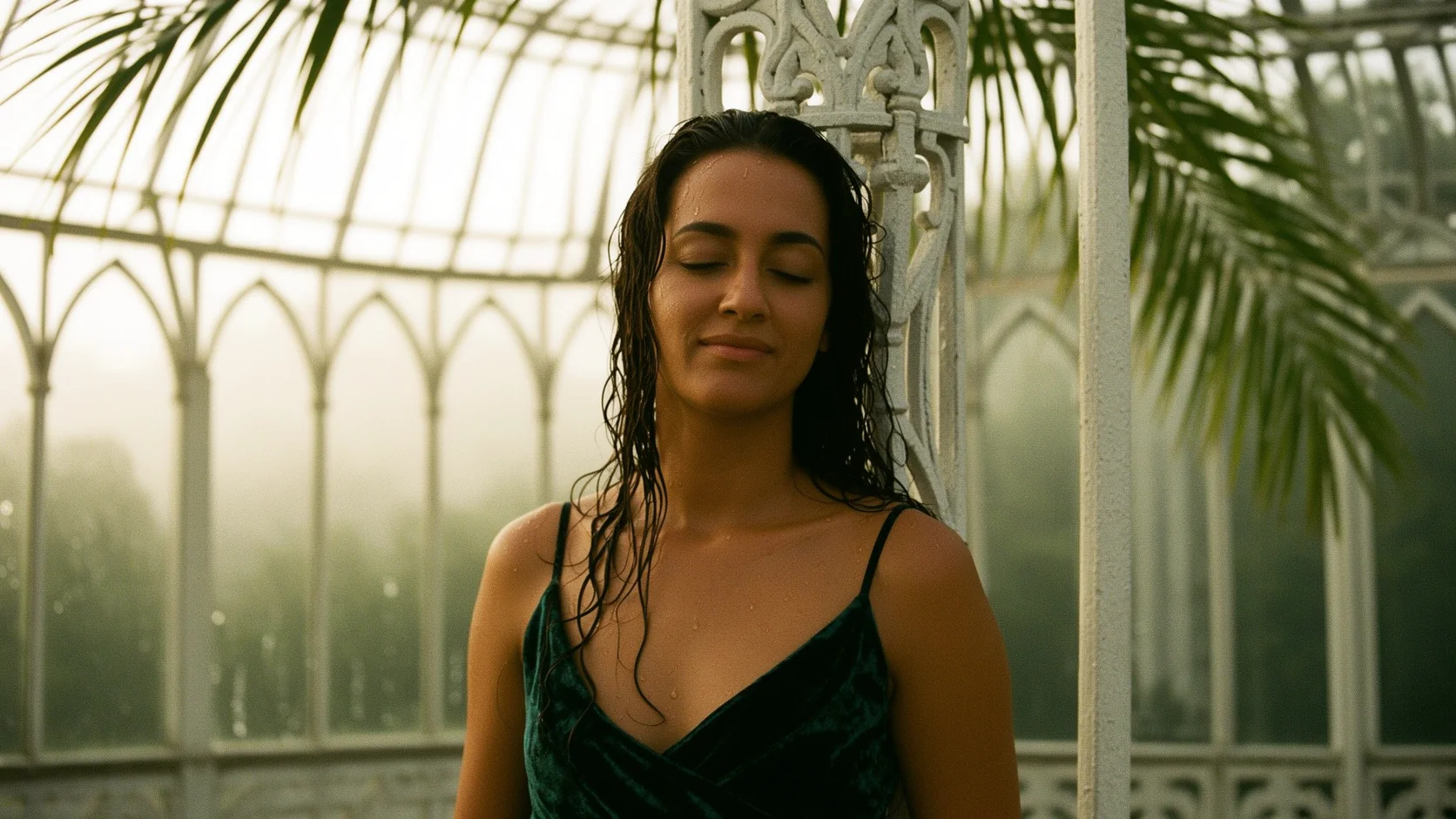
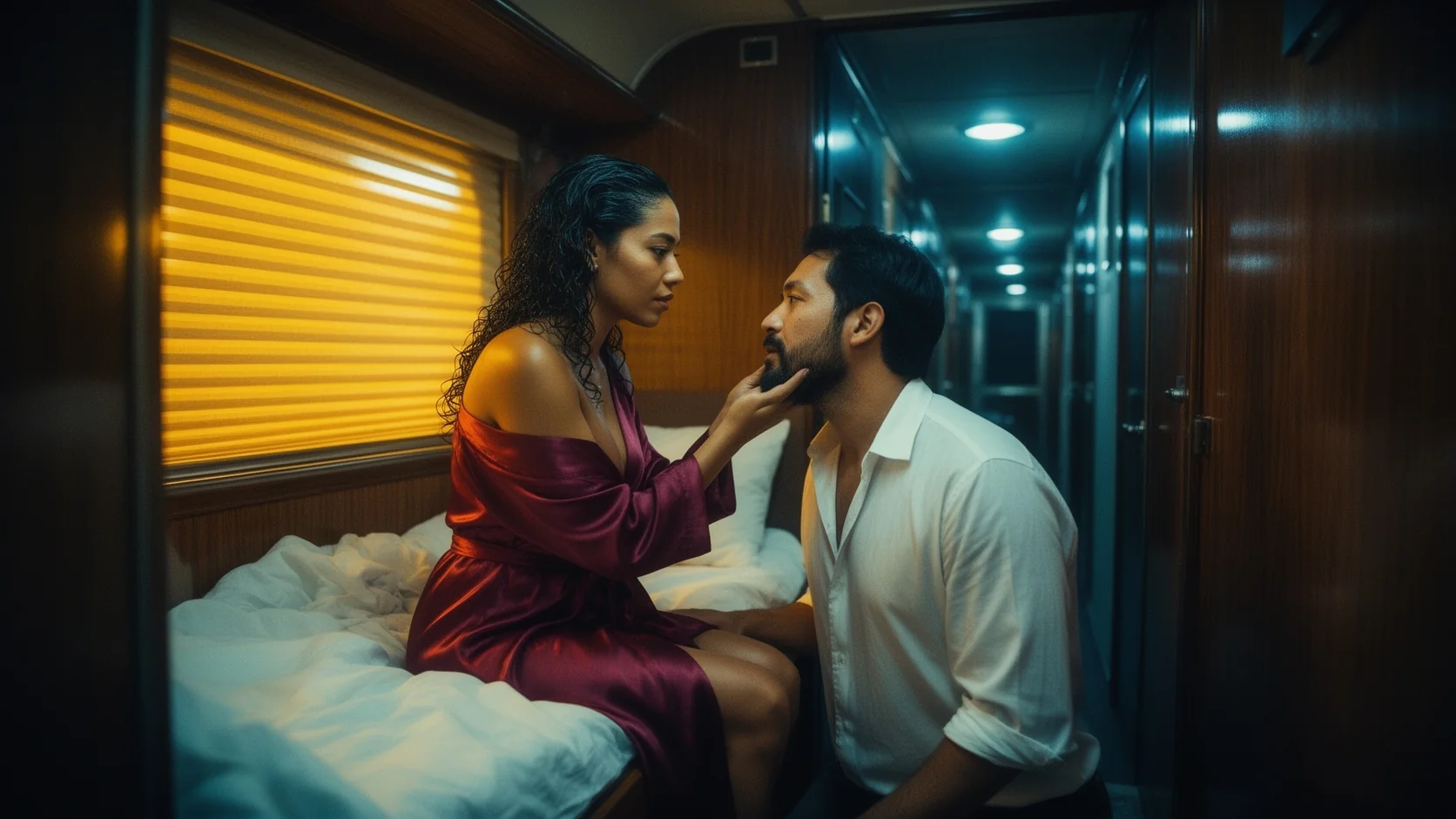
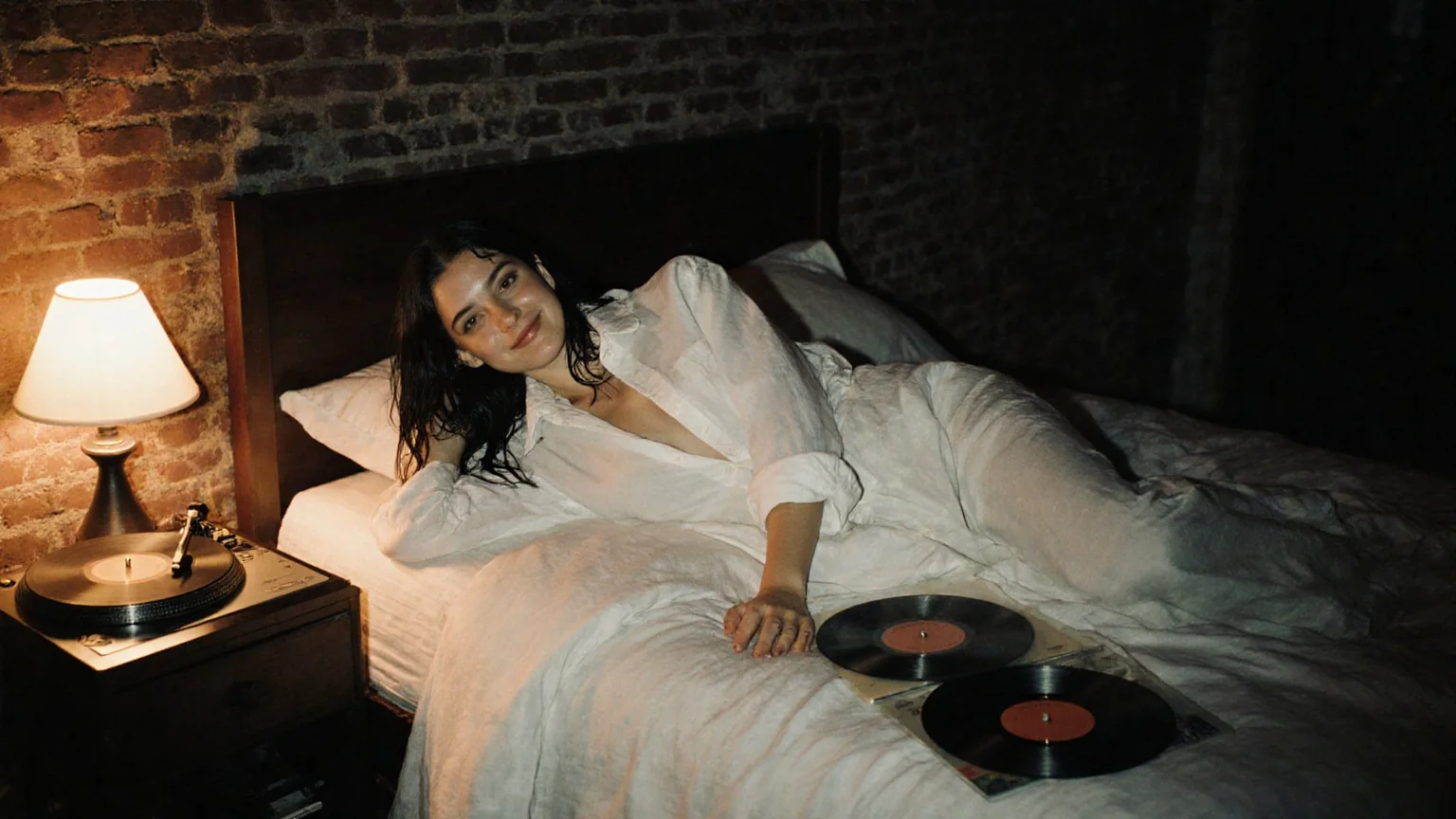
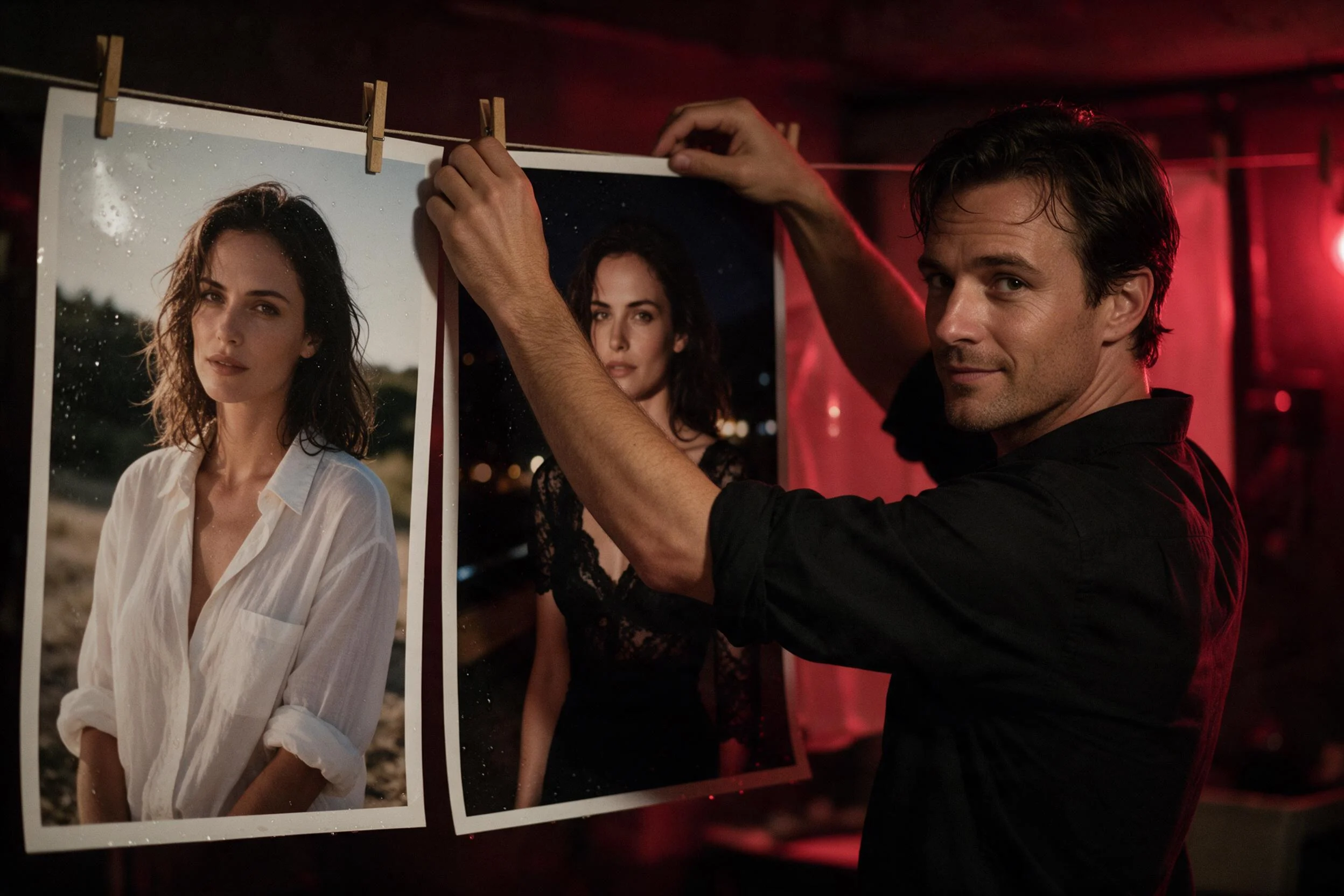
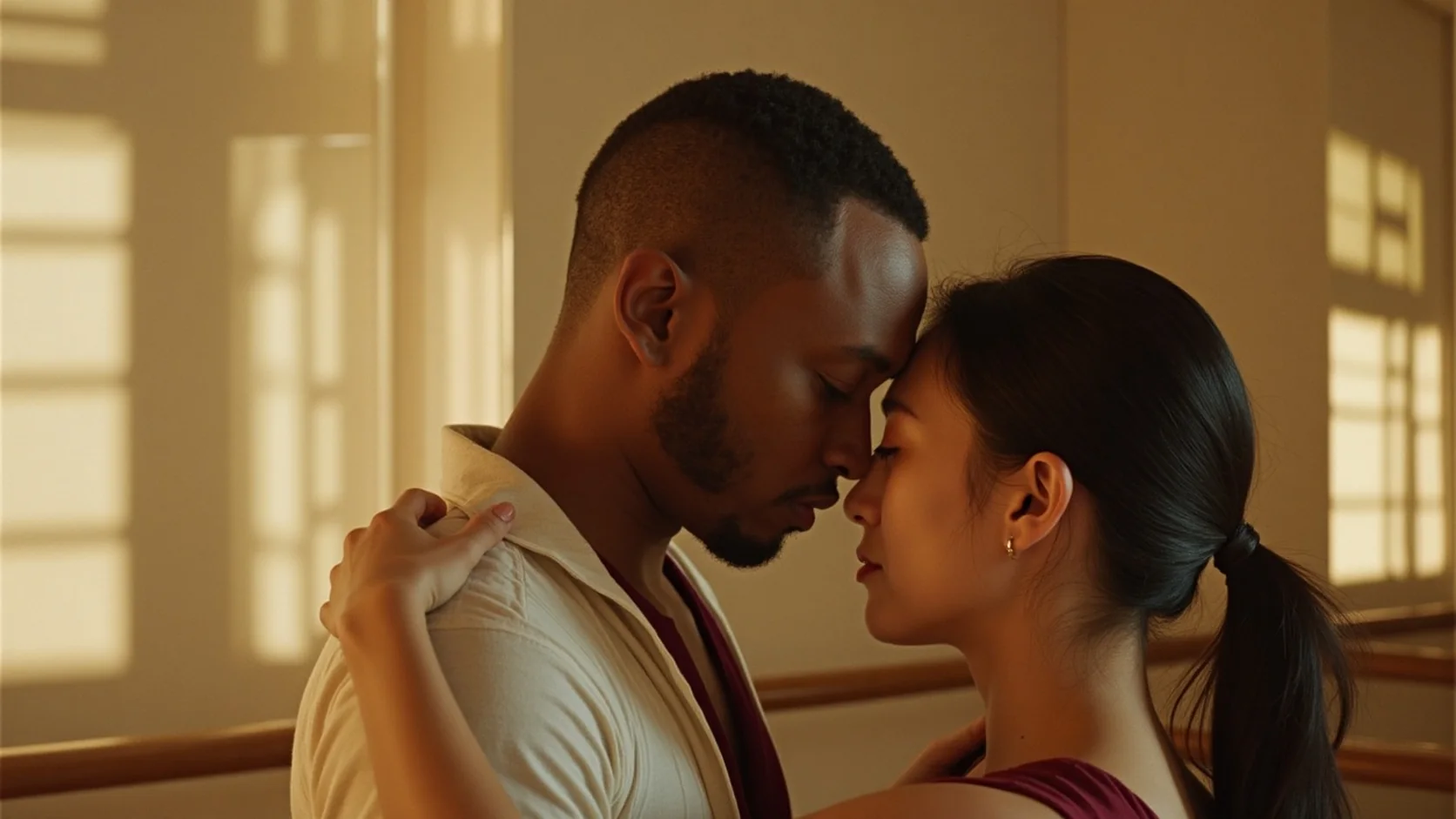
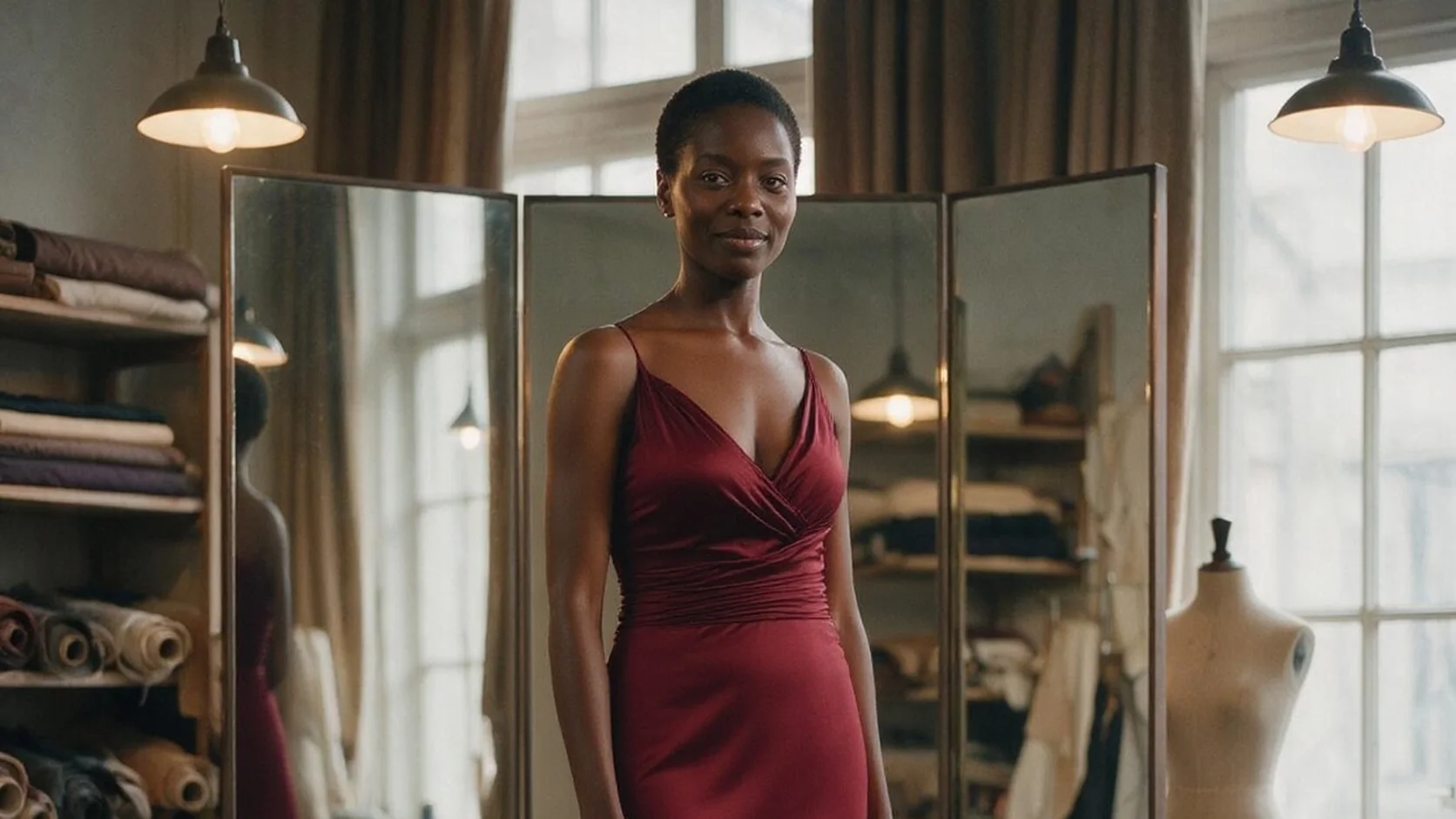
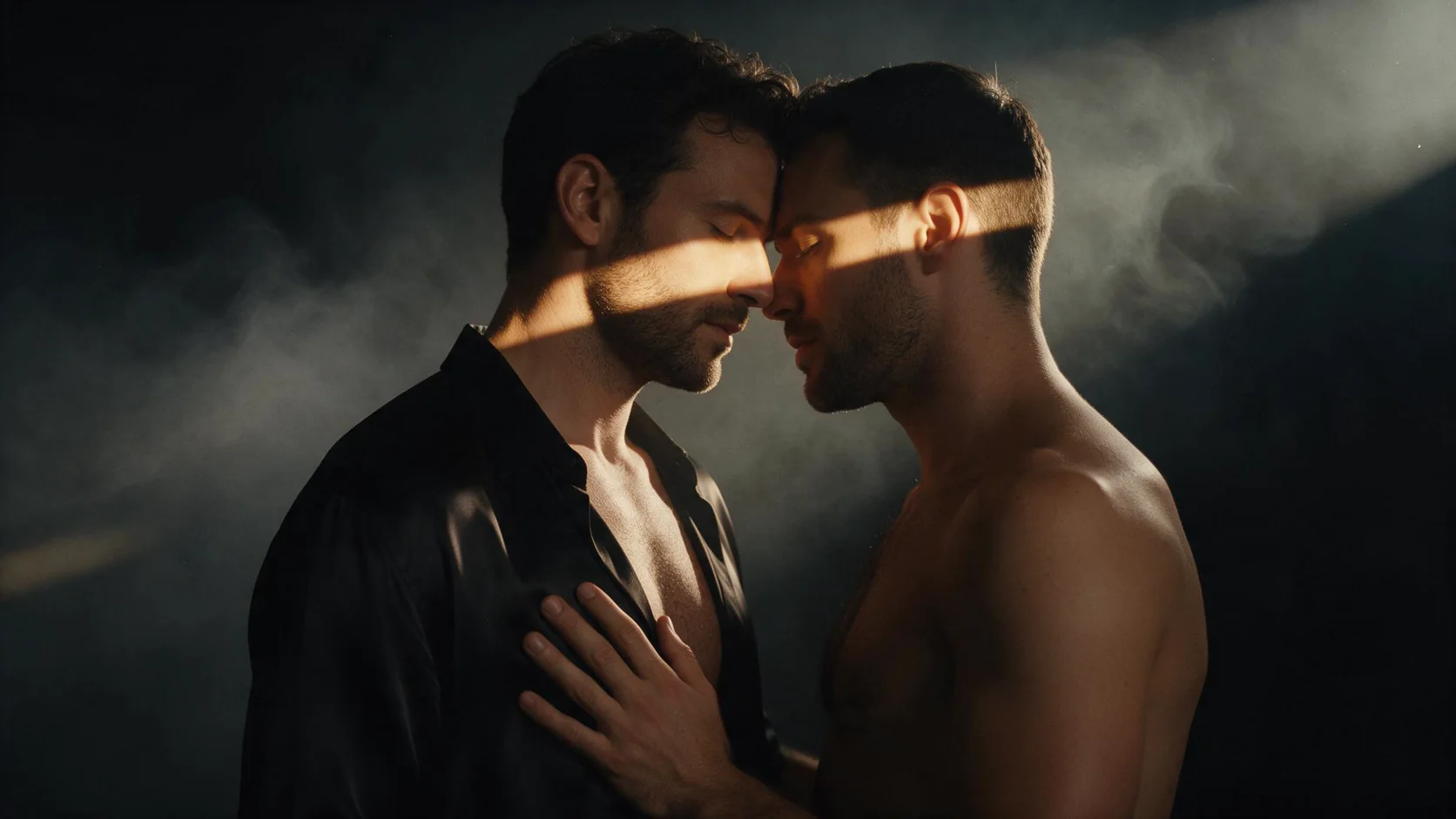
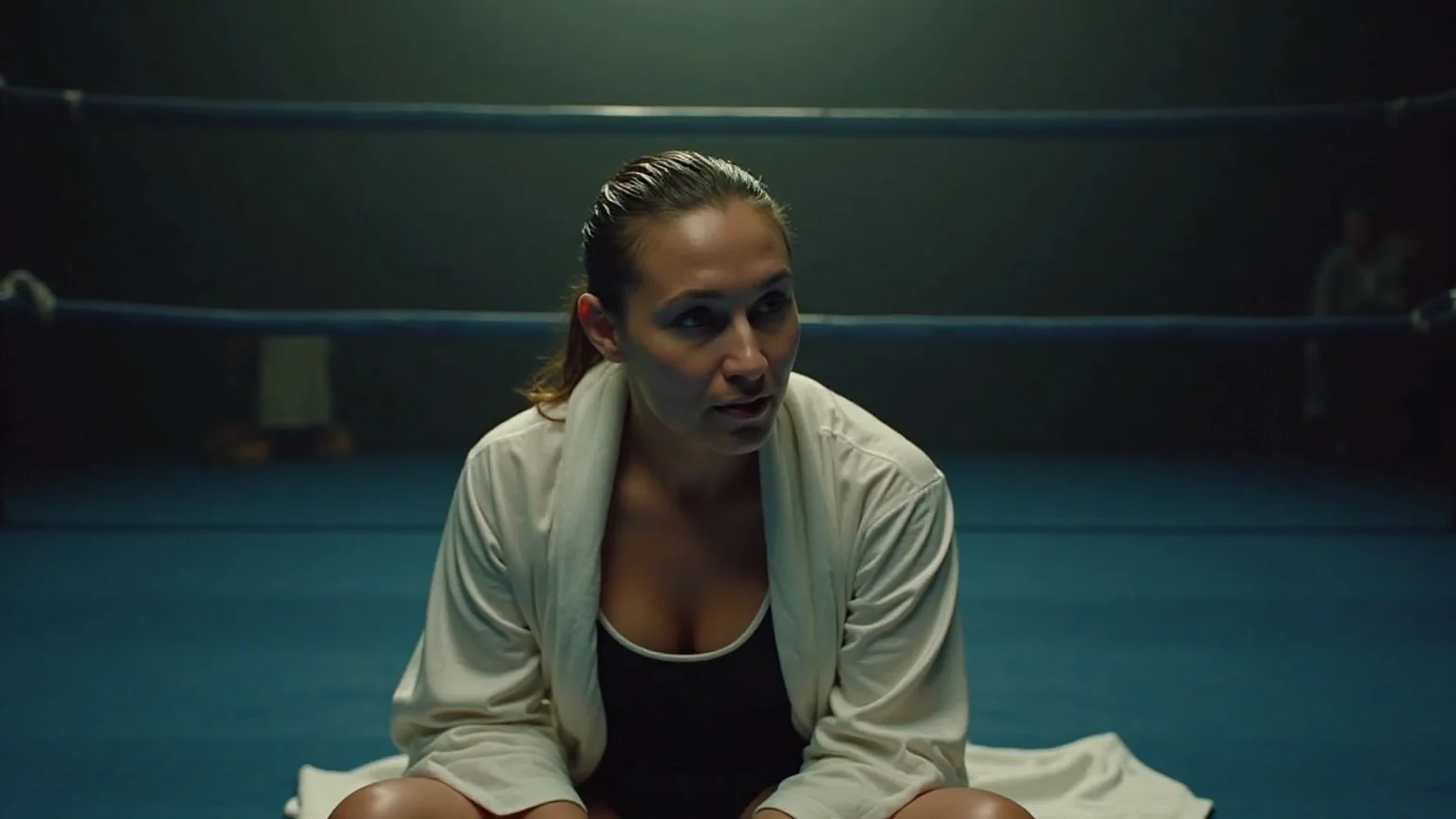
FLUX.1 Kontext [pro] Text to image is the faster of the two commercial Kontext models that Black Forest Labs released on 29 May 2025. Kontext was built as an in-context model: the same network that draws a picture from a sentence can later take that picture back and change one thing about it. This endpoint is the first half of that loop. Write a scene, get a photograph of about one megapixel, and send the keeper to the edit endpoint when you want a different outfit, a different light or a corrected sign.
Choose a mode by starting material
| What you have | Mode |
|---|---|
| a written scene and nothing else | FLUX.1 Kontext [pro] Text to image |
| one photo you want to change | FLUX.1 Kontext [pro] Edit |
Key features & highlights
Text that lands where you put it
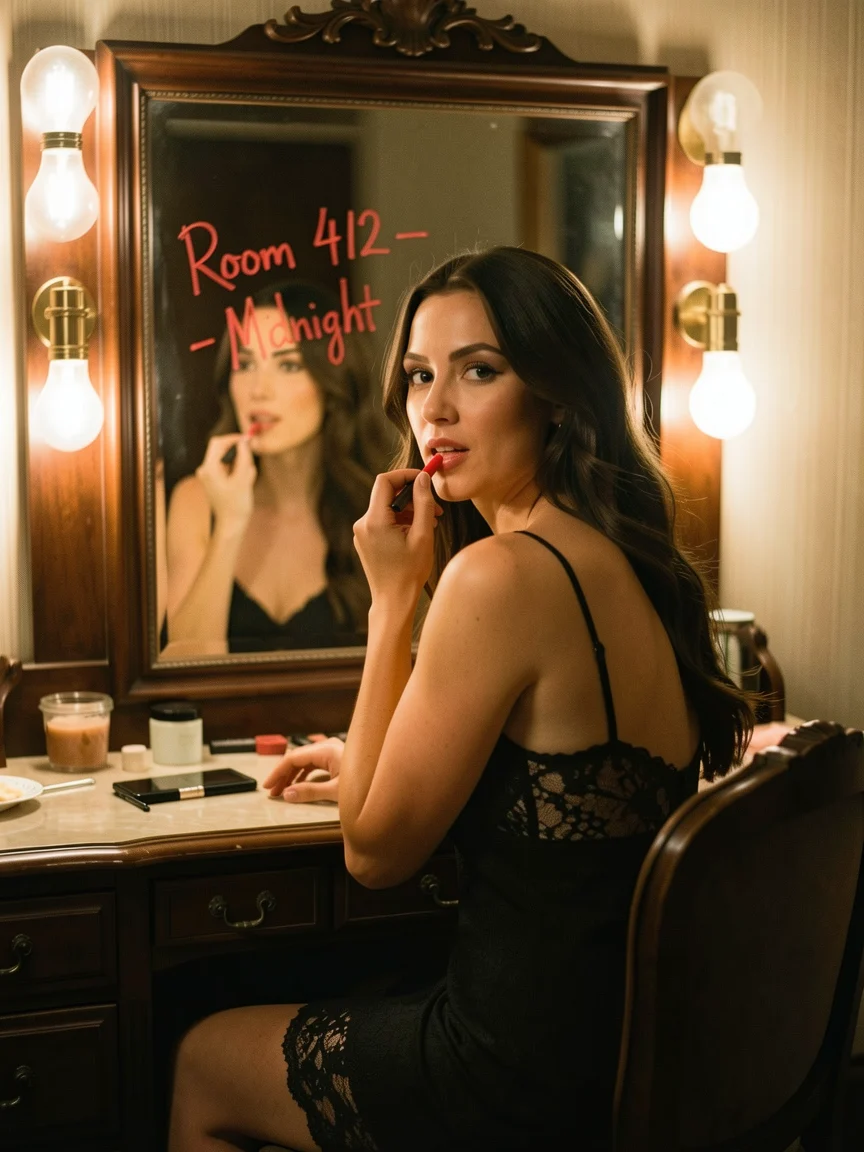
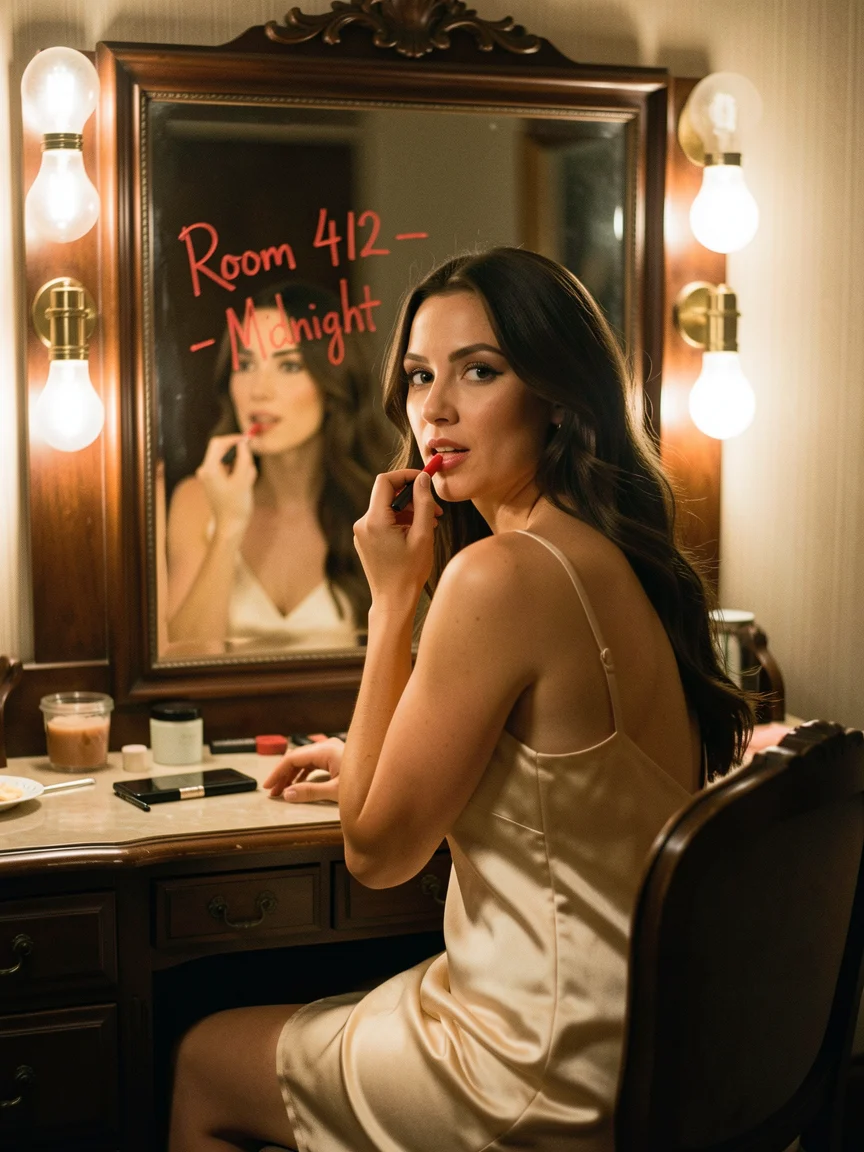
Kontext [pro] reads quoted words as lettering to draw. Our vanity test asked for a lipstick note on the mirror and got "Room 412 - Midnight" in a hand-written red stroke on the glass, and the motel test got "PALM COURT" as a pink neon script sign, both spelled as written.
Six shapes, one megapixel each
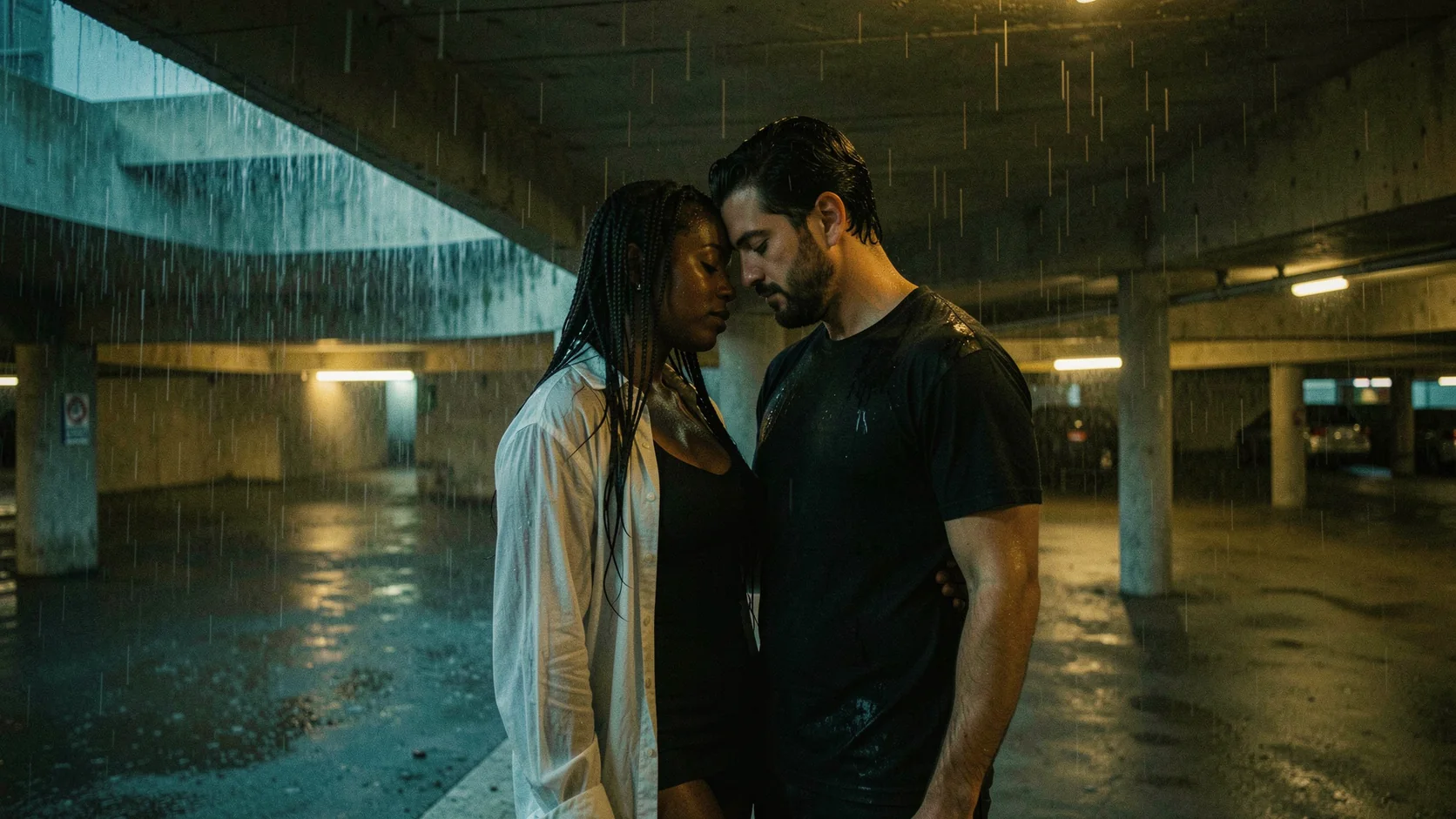
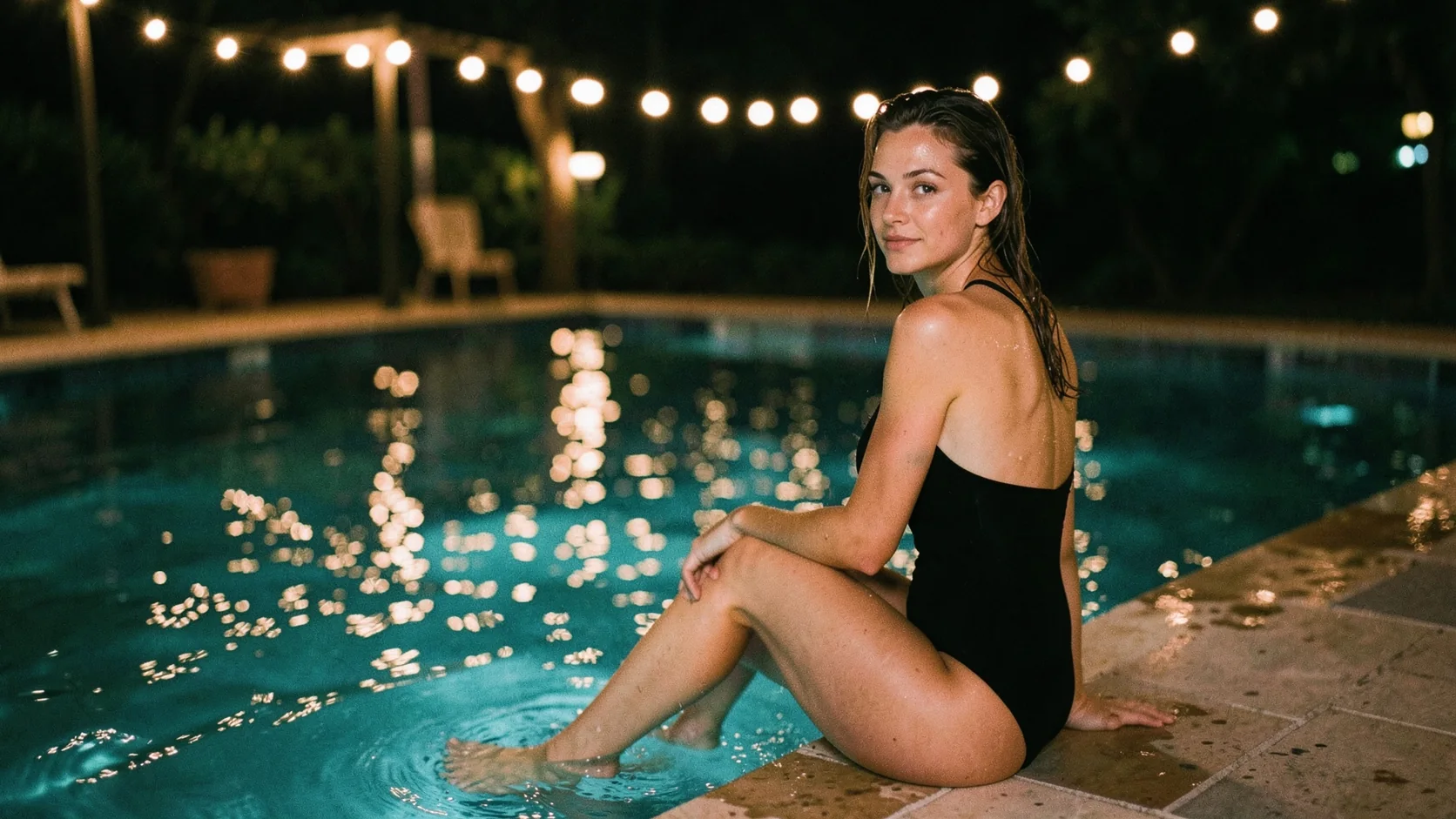
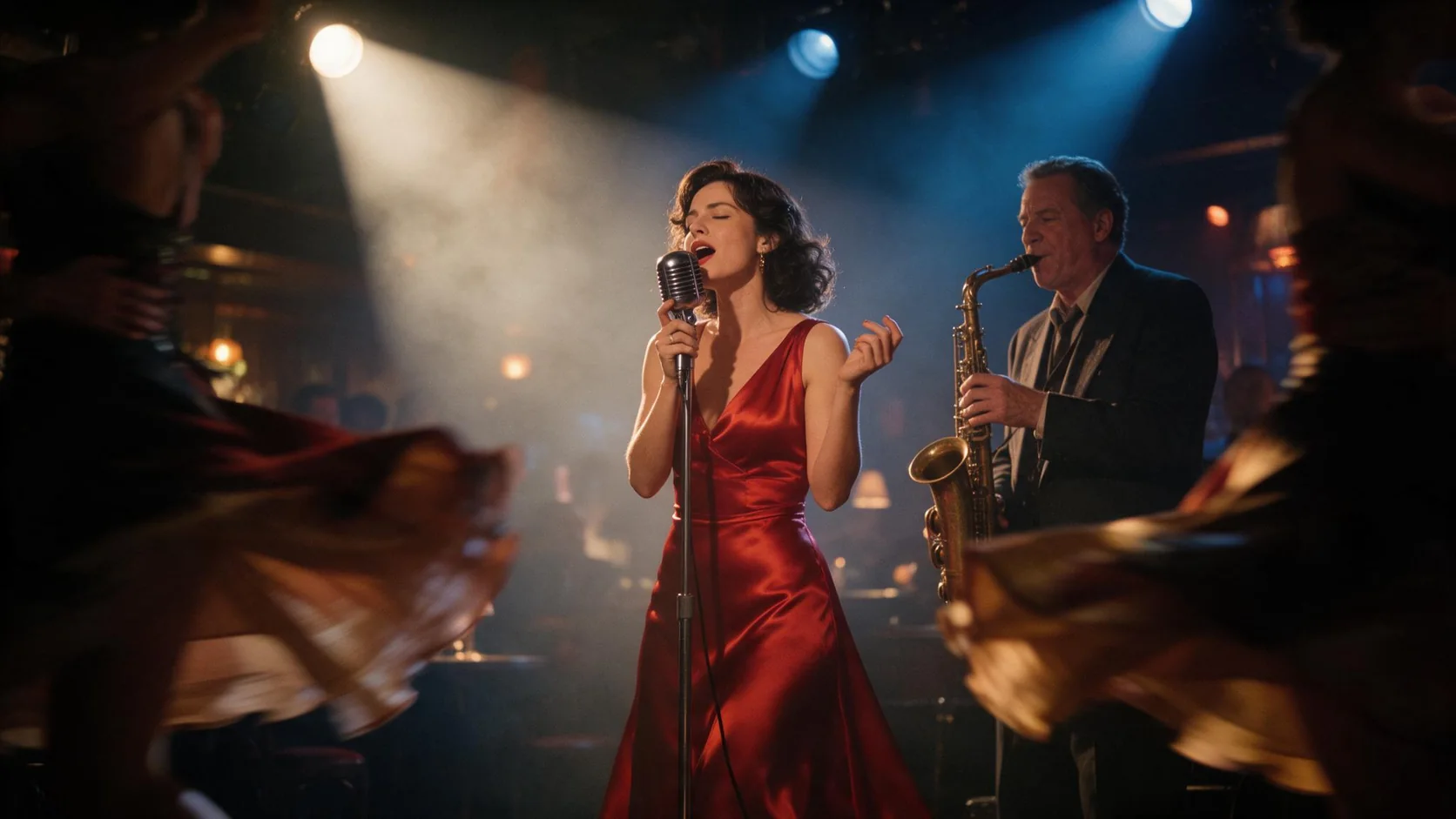
Square, two widescreen shapes, two portrait shapes and an ultra-wide 21:9. Each comes back at roughly one megapixel: 1280x720 at 16:9, 864x1152 at 3:4, 1520x656 at 21:9 in our runs.
Built to be edited afterwards
Pictures from this endpoint go straight into the edit endpoint. The same model then changes clothing, weather or text while the face and pose stay put, which is why a scene drawn here is a good first frame for a series.
Quick turnaround
Most of our text-to-image runs came back in 10 to 30 seconds, including the 21:9 and 9:16 shapes.
Request parameters
| Parameter | Required | Description |
|---|---|---|
prompt | Yes | Required, up to 5,000 characters. Write the person, clothing, place, light and lens as sentences; words in quotes are drawn as lettering. at least 1 characters · at most 5000 characters |
aspect_ratio | No | One of 1:1 (default), 16:9, 9:16, 4:3, 3:4 or 21:9. Every shape is about one megapixel and costs the same. |
output_format | No | jpeg (default) for smaller files, png for lossless output. The format does not change the price. |
enable_prompt_expansion | No | Off by default. When on, Kontext [pro] adds descriptive detail to your prompt before rendering, which helps short prompts and may take a little longer. Default: |
Pricing
$0.028 / image
Kontext [pro] text to image is billed per image; shape, format and prompt expansion do not change the price. Refused and failed requests are not charged.
Use cases
Character and wardrobe boards
Draw a person once in a setting that suits your story, then branch that frame into outfits and moods with edits instead of re-rolling a new face every time.
Signage, notes and set dressing
Hotel doors, neon signs, handwritten notes and labels that have to say a specific thing in a specific place.
Social and campaign frames
Vertical 9:16 frames for stories, 16:9 for headers and 21:9 for banners from the same written brief.
Prompt guide & pro tips
Describe the shot, not a list of tags
Who, what they wear, where they are, where the light comes from and what lens it feels like. Kontext [pro] follows plain sentences better than strings of keywords.
Quote every word that must appear
Put the exact lettering in quotes and say where it goes: on the mirror, above the door, on a ticket.
Let expansion help with short prompts
A one-line prompt can come back plain. Switch on prompt expansion to let the model add detail, or keep it off when every word of your brief matters.
Plan for the edit step
If you know you will change the outfit later, describe the face, hair and pose clearly now; that is what the edit will hold on to.
API quick start
# Generate the idempotency key once; reuse it when retrying after a lost response.
export SPICY_IDEMPOTENCY_KEY="${SPICY_IDEMPOTENCY_KEY:-$(uuidgen)}"
curl -X POST https://api.spicyapi.ai/api/v1/jobs/createTask \
  -H "Authorization: Bearer $SPICY_API_KEY" \
  -H "Content-Type: application/json" \
  -H "Idempotency-Key: $SPICY_IDEMPOTENCY_KEY" \
  -d '{
  "model": "black-forest-labs/flux-1-kontext-pro/text-to-image",
  "input": {
    "prompt": "A ceramic teapot on a linen cloth, soft window light, muted palette",
    "aspect_ratio": "1:1",
    "output_format": "jpeg"
  }
}'

# Copy data.taskId from the response into TASK_ID, then poll the status.
TASK_ID="TASK_ID_FROM_RESPONSE"
curl "https://api.spicyapi.ai/api/v1/jobs/recordInfo?taskId=$TASK_ID" \
  -H "Authorization: Bearer $SPICY_API_KEY"
See the API reference for authentication, the complete schema, polling, and error handling.